Courtroom Presentation Services vs. Bringing Your Own Laptop: What Changes at Trial?
Picture the moment. Opening statements are done, and it is time to play the video clip that ties the whole case together. The attorney taps a key, and the courtroom's projector shows nothing but a blue screen. The jury waits, and so does the judge, while somewhere in the back of the room a paralegal frantically checks cables.
It happens more than people expect. It happens more often than most attorneys expect. Usually, it has nothing to do with preparation on the legal side. Instead, it comes down to a decision made weeks earlier, often without much thought: whether to rely on a personal laptop or bring in dedicated courtroom technology and trial tech support.
In This Article
- What "Bringing Your Own Laptop" Means at Trial
- What Courtroom Presentation Services Include
- Comparison: Where the Two Approaches Diverge
- What Changes for the Attorney During Trial
- What Changes for the Jury's Experience
- The Real Question Isn't Laptop vs. System
- Schedule Your Trial Technology Consultation
What "Bringing Your Own Laptop" Means at Trial
The Setup Attorneys Picture
Most attorneys who plan to bring their own laptop imagine something simple. They picture their firm laptop, a video adapter picked up the week before, and a courtroom TV or projector that just works once plugged in. It feels familiar, because it is the same setup used for internal meetings and depositions in the office.
The problem is that a courtroom is not an office. Every courthouse has its own combination of screens, cables, and connection ports. Very few of them match what worked at the last hearing. What looks straightforward on paper often turns into troubleshooting in front of a jury.
Why It Seems Like the Simple Option
There are real reasons attorneys default to their own laptop. It feels like one less vendor to coordinate. It feels like one less expense to justify, and one less unfamiliar face in the courtroom. The software is already familiar, and the files are already organized the way the attorney expects.
That logic makes sense until something does not go according to plan. A few of the assumptions attorneys tend to rely on:
- The courtroom's display will accept whatever adapter was purchased in advance
- The file formats used in preparation will play the same way on courtroom equipment
- There will be time to troubleshoot quietly if something does not connect right away
What Courtroom Presentation Services Include
More Than Just a Bigger Screen
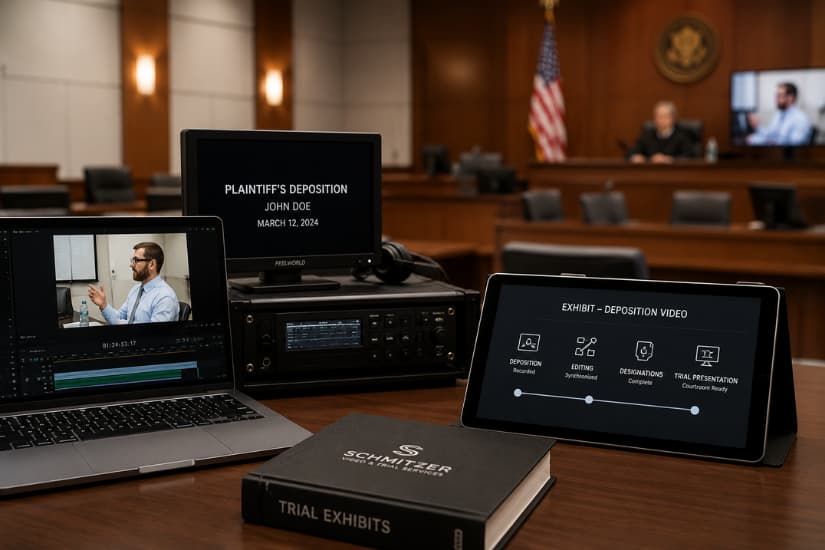
It is easy to assume that trial presentation services just mean a nicer monitor and a technician standing nearby. In practice, the service covers the entire chain that has to work correctly for evidence to appear cleanly and on cue. That includes courtroom AV compatibility testing. It also includes file preparation and a technician who understands how that specific courtroom behaves.
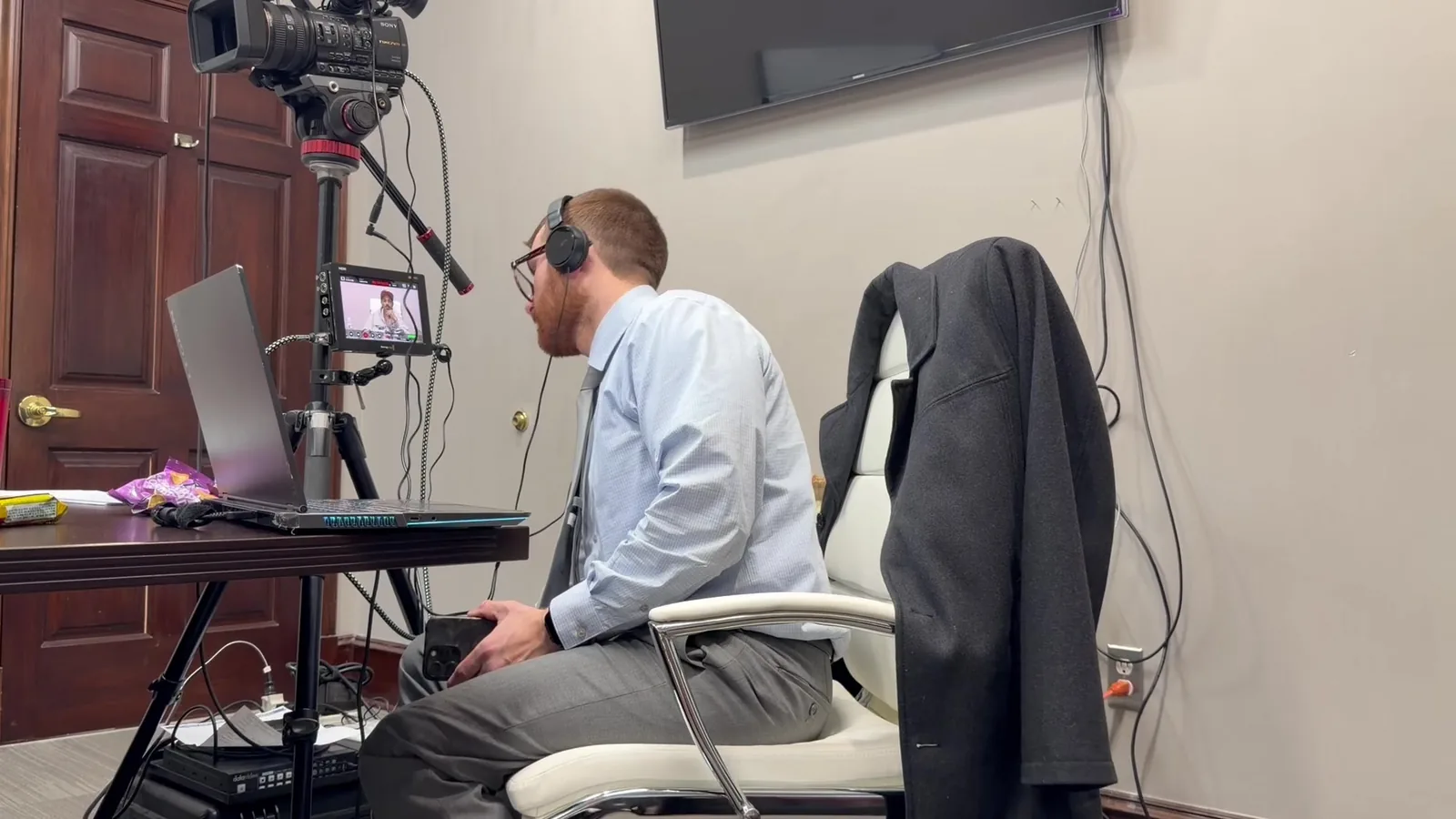
A trial technician has usually worked in that courthouse before, or has prepared for it in advance. They know which display accepts which input, where the audio routes, and what tends to cause delays. That knowledge does not show up on an invoice. It shows up the moment something needs to go right on the first try.
The Mobile Office Concept
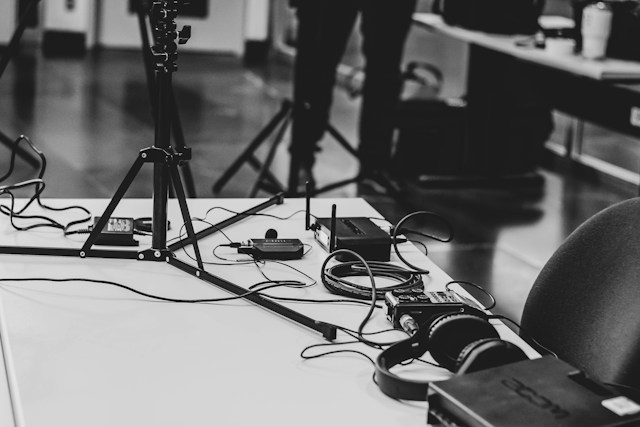
Redundancy is the real difference between a laptop and a full presentation setup. A proper courtroom technology team does not bring one laptop. They bring backups for the equipment most likely to fail at the worst time.
- A second laptop, already loaded with the same files and settings
- Backup HDMI and adapter cables for multiple connection types
- Battery backups and surge protection for courtroom power outlets
- Pre-tested audio routing for video depositions and synced testimony
Comparison: Where the Two Approaches Diverge
Myth: "A Laptop Can Do Everything a Presentation System Does"
Many attorneys assume a laptop can handle anything a dedicated system can, just on a smaller scale. Technically, a laptop can play a video file or display a document. What it usually cannot offer is a backup plan if that exact laptop stops cooperating mid-trial.
A courtroom presentation setup is built around a different idea. One piece of equipment failing should never stop the proceeding. A single laptop, by definition, is a single point of failure. If the battery dies, the software freezes, or a cable comes loose, there is no second option sitting ready in the room.
Myth: "Courtroom Displays Are Basically Plug and Play"
This assumption causes more mid-trial delays than almost any other. Courtroom AV support is not standardized across courthouses. It is sometimes not even standardized across courtrooms in the same building. Resolution settings, cable types, and audio routing can all differ from what worked the last time.
A few of the most common issues attorneys run into without dedicated support:
- HDMI ports that require an adapter no one packed
- Projectors that default to a resolution that distorts exhibits
- Audio that plays through the wrong speaker or does not play at all
- Video files that were never tested on the courtroom's actual equipment
Myth: "If Something Breaks, I Can Just Fix It Myself"
This is the assumption that causes the most stress in real time. An attorney's job during trial is to argue the case. It is to read the jury and respond to what is happening in the room. It is not to troubleshoot a display driver while twelve people watch and wait.
Even a confident, tech-savvy attorney loses valuable focus the moment they have to stop and fix equipment. That interruption breaks the rhythm of an argument. It shifts the jury's attention away from the evidence and onto the delay itself.
What Changes for the Attorney During Trial
Attention Stays on the Case
The biggest shift with courtroom presentation services is where the attorney's attention goes. Instead of glancing at cables or wondering if the next clip will load correctly, the attorney can stay locked into the argument. They stay focused on the witness and the jury's reactions.
This matters more than it might seem on paper. Trials are built on momentum. Momentum is hard to recover once it breaks. A technician handling the equipment means the attorney never has to choose between watching the jury and watching the screen.
Fewer Decisions Under Pressure
Trial technology setup that happens in advance means fewer decisions have to be made live. The technician has already tested the file formats and confirmed the courtroom's display settings. Backups are already prepared for anything that might fail. That preparation removes dozens of small decisions from the attorney's plate before the trial even starts.
Attorneys who bring their own laptop often do not realize how many of those decisions land on them mid-argument. A missing adapter becomes their problem to solve on the spot. A frozen file becomes something they have to explain to the judge. None of that supports the case they spent months preparing.
What Changes for the Jury's Experience
Smoother Playback, Fewer Interruptions
Jurors are paying attention to more than just the content of the evidence. They notice pauses and technical delays. They notice moments where an attorney has to stop and ask for help. Each of those moments chips away slightly at the sense of confidence and control the attorney is trying to project.
Clean transitions between exhibits, video clips, and demonstratives keep the jury's focus where it belongs. Courtroom presentation services are built to make those transitions invisible. The story stays the center of attention, not the technology delivering it.
Courtroom Display Systems Built for Visibility
Not every courtroom television or projector is positioned or sized for what a trial actually needs. Courtroom display systems brought in specifically for trial use are chosen and placed based on the room itself. They are not whatever screen happens to already be mounted on the wall.
That matters most during video depositions and synchronized transcripts. It matters during complex exhibits, where jurors need to read text and watch video at the same time. A screen that is too small, poorly angled, or hard to see from the jury box undermines evidence that took real time and money to prepare.
The Real Question Isn't Laptop vs. System
The comparison between a personal laptop and a full courtroom presentation setup is not really about which piece of equipment is better. It is about what happens in the room if something does not go as planned. A laptop can absolutely play a video or display a document under ideal conditions. The real question is what the backup plan looks like when conditions are not ideal.
Attorneys spend months preparing arguments and organizing exhibits. They spend hours anticipating what opposing counsel might do. It makes sense to give that same level of preparation to the equipment that will actually deliver the evidence to the jury. A trial technician, redundant systems, and pre-tested courtroom compatibility exist for exactly that reason.
Schedule Your Trial Technology Consultation
If a trial is coming up and the technology plan is still an open question, it is worth a short conversation before the schedule gets tight. Reach out to Schmitzer Video & Trial Services to talk through the courtroom, the exhibits, and what kind of backup makes the most sense for this particular case.
Key Takeaway
Courtroom presentation services provide dedicated technology, backup systems, and technical support that a personal laptop cannot match, helping attorneys avoid technical interruptions, maintain courtroom momentum, and keep the jury focused on the evidence.
Planning a trial or deposition in Michigan? Let us make the technology the last thing you have to worry about.
Request a Consultation