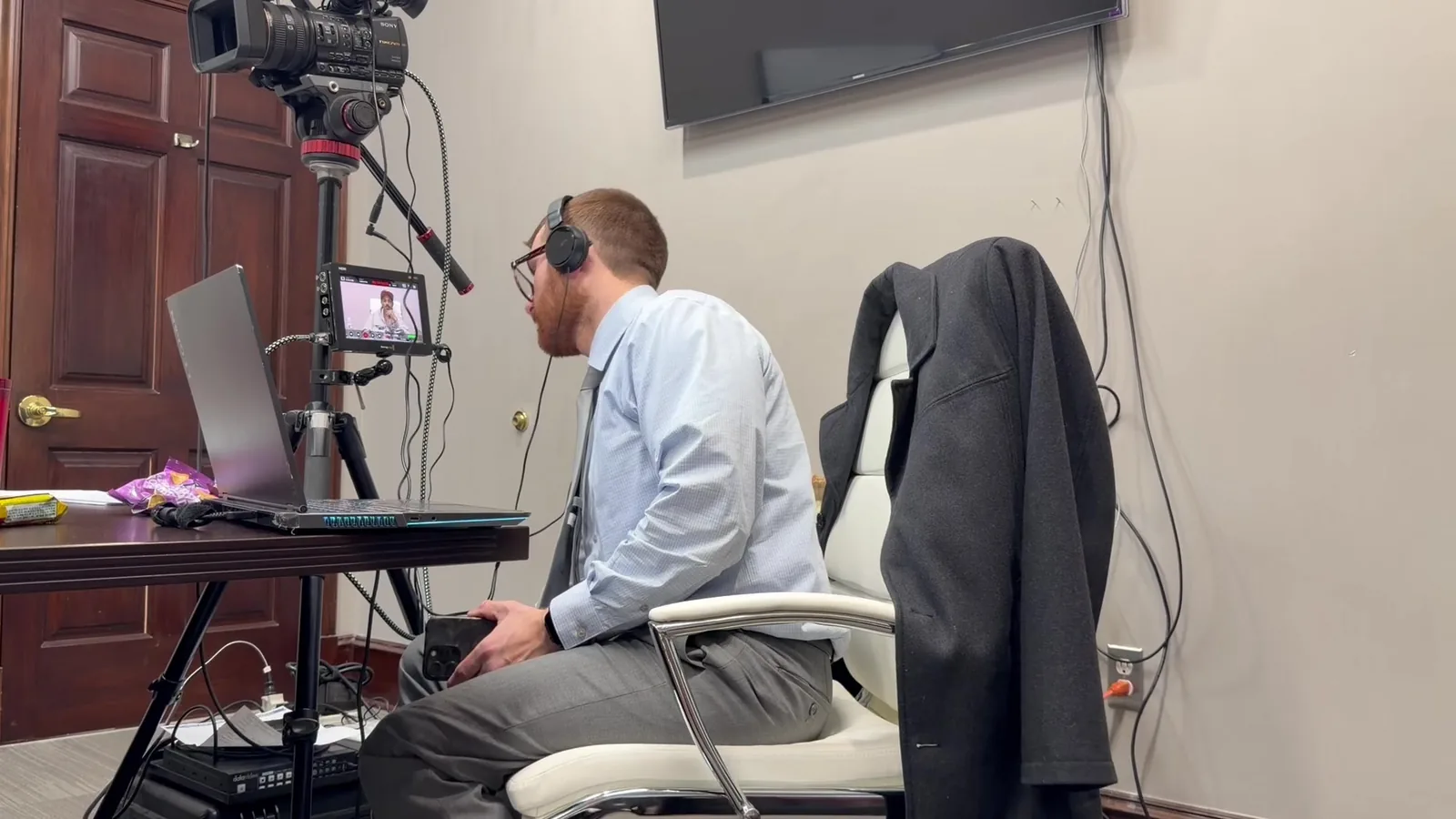
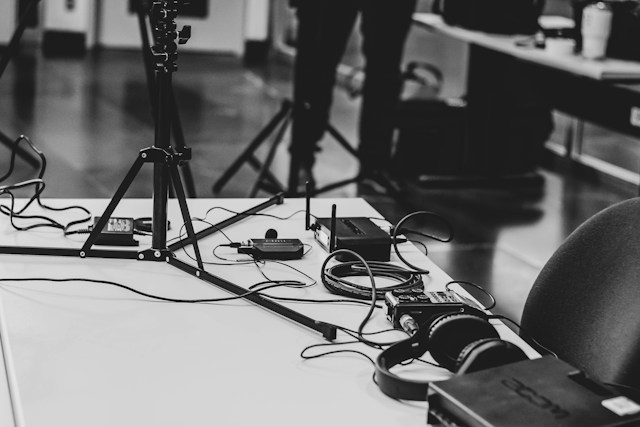
Picture a trial team that just wrapped a smooth week in one courtroom. The screens worked, the judge liked an early start, and the jury could see every exhibit. A month later, the same team is assigned to a room two floors up. The monitors are gone, the outlets sit behind the jury box, and the clerk mentions the doors open at 8:15, not a minute before.
That kind of surprise happens all the time across Detroit, Pontiac, Mount Clemens, and Ann Arbor. It is one reason attorneys lean on litigation technology services in Southeast Michigan that know the rooms, not just the gear. Every courtroom carries its own habits. Learning them early changes how a trial feels from the very first morning.
Why Two Courtrooms in the Same Building Can Feel Like Different Worlds
The Room Matters More Than the Address
Most trial prep checklists stop at the courthouse. Attorneys confirm the county, the parking, and the security line. Those details help, but they rarely cause the real surprises. The surprises live inside the specific room you are assigned.
Judges Shape the Technology Experience
Each judge brings a personal rhythm to the bench. Some welcome polished presentations and move quickly through video clips. Others prefer printed exhibits and a slower pace. Your technology plan should match the judge first and the building second.
Renovation Timelines Create Uneven Rooms
Courthouses rarely upgrade every courtroom at once. Budgets and schedules often mean one room gets new displays while the room next door waits years. That is why two courtrooms sharing a hallway can offer completely different setups. Assumptions built on one room can fall apart in the next.
The Equipment You Actually Walk Into
Display Setups Range Widely
Michigan courtroom technology varies more than many attorneys expect. Here are the setups we see most often:
- Individual monitors mounted in or near the jury box
- One large wall-mounted screen facing the jury
- A ceiling projector with a pull-down screen
- A portable cart the court shares between rooms
- No installed display at all, which means bringing everything
Inputs, Cables, and the Adapter Question
A common trial-day moment goes like this. The attorney opens a new laptop, reaches for the courtroom cable, and finds a port that doesn't match. Five minutes pass while everyone digs through bags for an adapter. We carry a full adapter kit so that moment never plays out in front of a jury.
Audio That Works for Some Seats but Not Others
Deposition playback lives or dies on sound. Audio systems deserve their own checklist:
- Speaker placement relative to the jury box and the bench
- Whether room sound feeds the court reporter's setup
- Microphone locations for counsel tables and the witness stand
- Hearing assistance systems that may need a direct audio feed
- Volume levels that shift once the room fills with people
Procedures, Preferences, and the People Behind the Bench
Many judges publish practice guidelines or share expectations at the final pretrial conference. Some want electronic exhibits exchanged days in advance. Others want every clip reviewed before it plays for the jury. Reading those rules early keeps a trial from stalling over objections that could have been settled weeks before.
Setup Windows and Building Access
Access rules can shape an entire trial schedule. Before trial week, confirm these details:
- What time the courtroom opens each morning
- Whether equipment can stay in the room overnight
- How security screens cases, carts, and cables
- Whether evening or weekend setup is possible
- Who holds the key if the room is locked
Clerks and Court Staff as Your Best Allies
Courtroom clerks and deputies know the room better than anyone. They know which outlet is dead and which screen flickers after lunch. A friendly introduction and a respectful attitude go a long way. In our experience, good relationships with staff solve problems before anyone else notices them.
Layout, Sightlines, and Where the Tech Table Lands
Jury Box Angles and Screen Placement
Room shape affects what jurors actually see. A screen that looks perfect from counsel table may glare for the back row. Some jury boxes sit at an angle that leaves one end squinting. We check sightlines from juror seats, not just from where the attorney stands.
Power Outlets and Cable Runs
Power is often the least glamorous problem and the most disruptive. Plan for these details:
- Outlet locations relative to counsel tables and the tech station
- Extension cord lengths needed to reach them
- Cable covers for any walkway jurors or staff use
- Circuits that trip when too many devices share them
Sharing Space With Opposing Counsel
Both sides usually present through the same courtroom system. That makes switching between presenters a real logistical question. Agreeing on inputs, switching procedures, and screen control ahead of time keeps proceedings smooth. Judges tend to appreciate teams who sort this out before the jury is seated.
Not Every Courtroom Is Built for a Video Witness
Some courtrooms have cameras and conferencing systems built in. Others offer little more than a screen and a wall outlet. The room's internet connection may be strong, weak, or closed to outside devices. Each of those realities changes how a remote expert appears before the jury.
What to Test Before the Witness Logs In
A short test run prevents most remote testimony problems. Our pre-testimony sequence includes:
- A connection test from the exact spot the laptop will sit
- A camera check showing the witness at a natural angle
- An audio test from both the witness side and the courtroom side
- An exhibit share test so documents appear clearly
- A backup connection ready in case the primary drops
Scouting the Room Before Trial Day
What a Courtroom Walkthrough Covers
A walkthrough turns guesses into a plan. During a visit, we look at:
- Display types, sizes, and input connections
- Speaker and microphone placement
- Outlet locations and cable routes
- Jury sightlines from multiple seats
- Staff contacts and access rules
The Mobile Office Approach to Unknown Rooms
Sometimes a walkthrough simply isn't possible. That is where our Mobile Office approach earns its name. We arrive with redundant equipment, backup displays, spare cables, and adapters for nearly every connection. Whatever local courtroom AV the room does or doesn't offer, the presentation still runs.
A Scenario We've Handled More Than Once
Picture a trial that moves to a different courtroom halfway through the week. The new room has one small screen and no working jury monitors. Our team sets up portable displays before the lunch break ends. The jury sees every exhibit that afternoon, and the attorney never breaks stride.
Questions Southeast Michigan Attorneys Ask Us Most
- Can we visit the courtroom before trial starts?Often, yes. Many courts allow a brief visit when you coordinate with the clerk in advance. We are happy to handle that outreach and join the walkthrough.
- What if our courtroom assignment changes last minute?It happens more than people think. Because we bring redundant equipment, a new room rarely derails the plan. We simply adapt the setup to whatever the new space provides.
- Do you bring your own equipment even if the room has AV?Yes, every time. Installed systems can fail, and a backup keeps testimony and exhibits moving. Our gear works alongside the court's system or replaces it when needed.
- How far in advance should we book litigation technology services in Southeast Michigan?Earlier is always better, especially for multi-week trials. Two to four weeks allows time for exhibit prep and a courtroom visit. We still take short-notice calls and do our best to help.
Every Courtroom Has a Personality Worth Learning
Courtrooms are not interchangeable boxes with a bench and a jury box. Each one carries the fingerprints of its judge, its staff, its renovations, and years of daily use. Respecting those differences is part of respecting the process itself.
Familiarity with local rooms is earned slowly, one trial at a time. After more than 13 years in Southeast Michigan courtrooms, John Schmitzer II has seen how small room details shape big trial moments. That experience lets attorneys focus on their case while the room becomes one less thing to worry about.
Heading to Trial in Southeast Michigan? Let's Walk the Room Together
Whether your courtroom assignment just arrived or you're still waiting on it, now is a great time to talk. We can review what the room likely offers, plan around the judge's preferences, and build a setup that fits. A short conversation today can save a stressful morning later.
- Email: jpschmitzer@gmail.com
- Phone: (248) 804-7488
- Mailing Address: P.O. Box 805983, Saint Clair Shores, MI 48080
Key Takeaway
Courtrooms across Southeast Michigan can differ significantly in technology, layouts, access procedures, judge preferences, and remote testimony capabilities. Scouting the room and preparing redundant equipment can help litigation teams avoid technical disruptions and keep trial presentations running smoothly.
Planning a trial or deposition in Michigan? Let us make the technology the last thing you have to worry about.
Request a Consultation