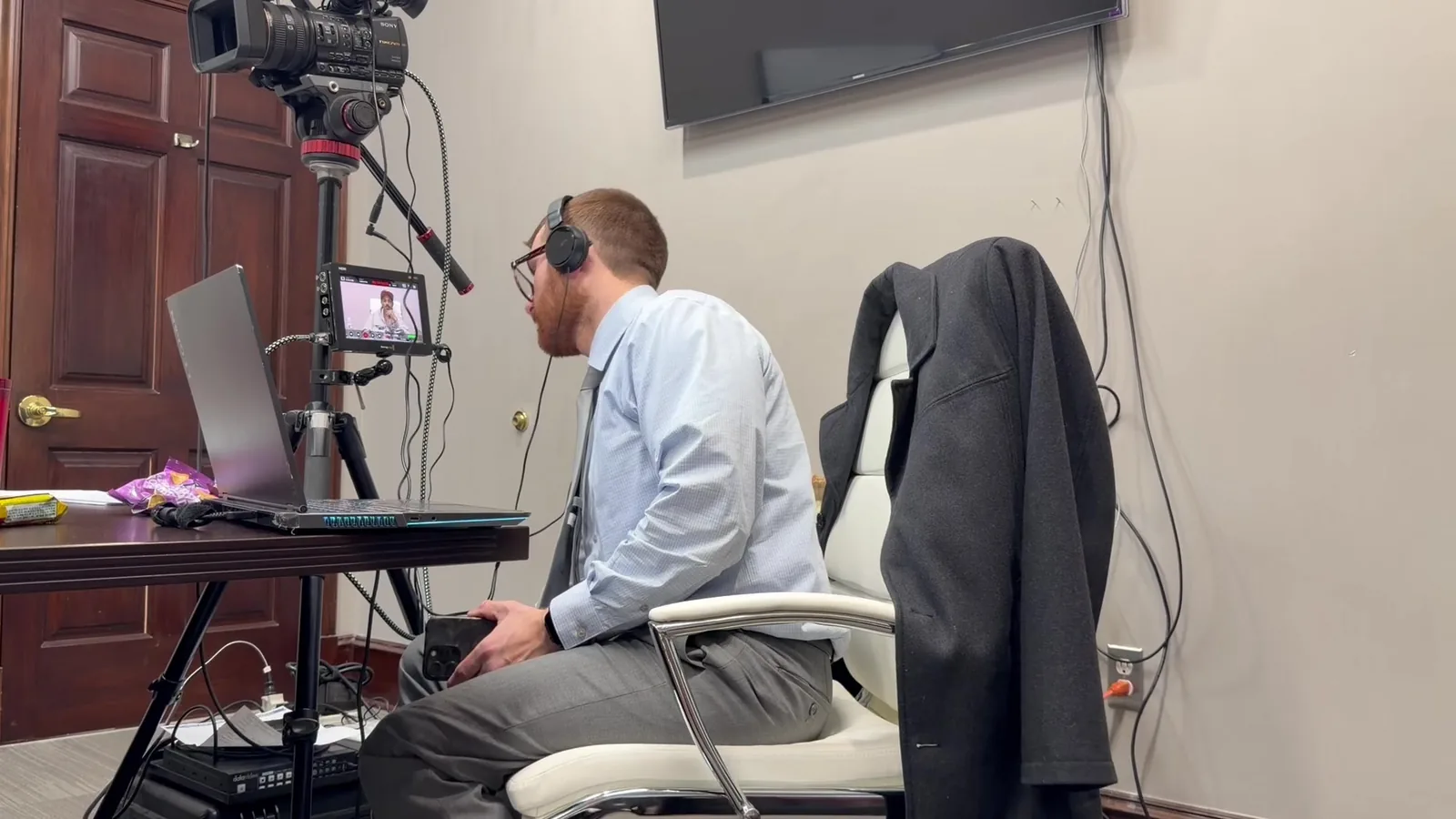
"It's just a video. I'll load it on my laptop and hit play." Most trial attorneys have heard a colleague say it, and plenty have said it themselves. Back at the office, playing a clip really is that simple.
At trial, the witness on the stand says something that contradicts their deposition, and you ask for the clip. Twelve jurors turn toward the screen and wait. The laptop has gone to sleep and the display reads "No Signal." Every second of silence starts to feel like a minute.
In This Article
- Myth #1: "Deposition Playback Is Just Pressing Play"
- Side by Side: Laptop Playback vs. Professional Courtroom Video Support
- Myth #2: "I Can Pull Up Any Clip on the Fly"
- Myth #3: "The Courtroom Already Has Everything I Need"
- Questions Attorneys Ask About Courtroom Video Support
- The Clip Is Only as Good as the Moment It Lands
- Bring Us In Before the First Clip Rolls
Myth #1: "Deposition Playback Is Just Pressing Play"
Why So Many Attorneys Believe It
The belief makes sense. At a desk, a video file opens with a double click and plays without a hitch. Nobody is objecting, no judge is ruling, and there is no jury watching how long it takes.
A courtroom changes every one of those conditions. The file is the same, but the environment around it is not. What feels effortless in a conference room becomes a live performance with real consequences.
What Actually Happens Behind a Clean Clip
When a deposition clip plays smoothly in court, it usually reflects hours of quiet work that happened days earlier. Jurors never see that work. They only see whether the clip lands.
Behind a clean playback moment, there is typically:
- Designation work: Clips are built from the specific page and line designations each side has submitted.
- Counter-designation handling: Opposing counsel's additions are woven in so the clip plays in the correct, agreed order.
- Objection trimming: Portions the judge excludes are removed before the clip ever reaches the jury.
- Transcript synchronization: The spoken words are matched to the written transcript so text can scroll on screen.
- Staging: Clips are loaded and queued in the order the attorney expects to call them.
Quick Answer: What Are Courtroom Video Playback Services?
Courtroom video playback services manage how recorded testimony and trial video clips are prepared, organized, and displayed during trial. A trained technician edits clips to match court rulings, syncs them with transcripts, and plays them on cue. The goal is to make evidence appear exactly when the attorney needs it, without delay or distraction.
Side by Side: Laptop Playback vs. Professional Courtroom Video Support
How the Two Approaches Compare
Trial NeedPressing Play on a LaptopProfessional Courtroom PlaybackFinding a clipScrolling through foldersInstant recall by page and lineTranscript on screenUsually noneSynced text displayed with videoA new ruling from the benchScramble to re-editAdjusted in minutesBackup planOne device, one fileRedundant systems and copiesAudio for the roomBuilt-in laptop speakersSound that reaches the jury boxDisplaysOne screen, if it connectsJudge, jury, counsel, and gallery
Where the Laptop Approach Tends to Break
The trouble with laptop playback is rarely one dramatic failure. It is usually a series of small interruptions that add up. A software update prompt appears mid-clip, or a calendar notification pops up in front of the jury. The file plays, but from the wrong starting point.
What a Dedicated Trial Technician Adds
A trial technician has one job during testimony: the screen. That single focus changes how the whole courtroom experiences the evidence.
With a technician managing playback, attorneys can:
- Keep eye contact with the witness and jury instead of a keyboard
- Call for a clip by page and line and trust it will appear
- Request on-the-spot adjustments after an objection is ruled on
- Rely on someone else to troubleshoot quietly if anything goes wrong
Myth #2: "I Can Pull Up Any Clip on the Fly"
Impeachment Lives or Dies in Seconds
Impeachment is where playback timing matters most. The attorney asks, "Do you recall saying something different at your deposition?" The witness hesitates. That pause is powerful, but only if the clip follows it almost immediately.
If the video takes thirty seconds to find, the moment fades. The witness regains composure, and jurors lose the thread. A clip that arrives late can feel less like a revelation and more like an interruption.
How Trial Video Clips Get Indexed for Instant Recall
Instant recall is not luck. It comes from organizing clips well before anyone walks into the courtroom. Strong indexing lets a technician find the right testimony in seconds. That holds true even when the attorney goes off script.
Common organization methods include:
- By witness: Every clip for each deponent lives in its own clearly labeled set.
- By topic or issue: Clips are grouped around key themes, such as timeline or causation.
- By page and line: Each clip is tagged to its exact transcript location.
- Impeachment library: Likely contradictions are pre-built and ready before cross-examination begins.
Myth #3: "The Courtroom Already Has Everything I Need"
No Two Courtrooms Are Wired the Same
Many attorneys assume the courtroom will provide working screens, inputs, and audio. Some do. Many others, across Southeast Michigan and beyond, have aging equipment, limited connection options, or no sound feed at all.
Federal courtrooms often have more built-in technology, while some county courtrooms have very little. Even within a single courthouse, one room can differ from the next. Setup access windows vary by judge and by clerk. Discovering those details on the first morning of trial leaves no room to adapt.
The Mobile Office Approach to Redundancy
Schmitzer Video & Trial Services approaches every trial with what John Schmitzer calls the Mobile Office. The idea is simple. Arrive prepared to run the full presentation even if the courtroom provides nothing.
That means bringing equipment that can stand on its own. It also means building in backups for the backups. When the room cooperates, the extra gear stays quietly in the case. When it does not, the trial keeps moving.
A Backup Checklist for Deposition Playback in Court
Whether you work with a technician or not, these safeguards help protect deposition playback in court:
- A second playback computer loaded with identical clips
- Copies of every clip stored on at least two separate drives
- Spare cables and adapters for common display connections
- Portable speakers that can fill the room if built-in audio fails
- An equipment test with court staff before the trial date
- Offline versions of every file, so Wi-Fi never becomes a factor
Questions Attorneys Ask About Courtroom Video Support
What Happens If the Judge Changes a Ruling Mid-Trial?
Rulings shift during trial, and clips need to follow them. A technician can trim or restore sections quickly, often during a short recess. The revised clip is then ready before testimony resumes.
Do Jurors See the Transcript Text During Playback?
They can, when the video is synced to the transcript. Scrolling text helps jurors follow along, especially with soft-spoken witnesses or technical language. It also reinforces exactly what was said.
What If the Video Fails During Testimony?
With proper redundancy, a failure rarely stops the trial. The technician switches to a backup machine or a duplicate file. In most cases, the jury barely notices the transition.
How Early Should a Playback Team Get Involved?
Earlier is almost always better. Ideally, the team joins while designations are being finalized, several weeks before trial. That timing leaves space for editing, syncing, and testing without last-minute pressure.
The Clip Is Only as Good as the Moment It Lands
The real difference between courtroom playback and a laptop was never about the hardware. It comes down to whether evidence reaches the jury at the instant the argument needs it. A contradiction that appears on cue can shift how an entire witness is perceived. The same clip, delivered late, can quietly lose its force.
Trial attorneys already carry a remarkable amount of weight in the courtroom. Examinations, objections, rulings, and strategy all compete for their attention at once. Handing the screen to a dedicated specialist is less about technology. It is about giving your case the focus it deserves.
Bring Us In Before the First Clip Rolls
If you have a trial on the calendar, even a tentative one, we would love to talk it through. There is no pressure and no obligation. Sometimes a short conversation about your designations, your courtroom, and your timeline is enough to spot problems early.
Contact: Schmitzer Video & Trial Services, LLC
Phone: (248) 804-7488
Email: jpschmitzer@gmail.com
Address: P.O. Box 805983, Saint Clair Shores, MI 48080
Key Takeaway
Courtroom video playback requires far more preparation than simply opening a video file on a laptop. Transcript synchronization, clip indexing, objection edits, reliable audio, and redundant equipment help recorded testimony reach jurors at the right moment without disrupting the trial.
Planning a trial or deposition in Michigan? Let us make the technology the last thing you have to worry about.
Request a Consultation