Picture this. An attorney has the deposition video file sitting right there on a laptop, ready to go for trial. The deposition happened months ago. The witness said everything the case needed.
Trial day arrives. The moment comes to play that key clip for the jury. The file simply will not cooperate. Maybe it stutters, or the audio drifts out of sync, or the courtroom's system cannot even read the format.
The jury is staring. The judge is waiting. The attorney is troubleshooting instead of trying the case. This happens far more often than most litigation teams expect, and it rarely has anything to do with the quality of the original deposition.
In This Article
- The Assumption That Trips Up Trial Teams
- What Happens When a File Isn't Actually Ready
- Why Raw Deposition Files Fall Short
- What Real Deposition Playback Preparation Looks Like
- Common Mistakes Attorneys Make With Deposition Video
- Final Thoughts on Getting Deposition Video Trial-Ready
- Let's Get Your Deposition Video Trial-Ready
The Assumption That Trips Up Trial Teams
Where the Misconception Comes From
Most attorneys assume that once a deposition is recorded, the video file is the finished product. It feels logical. The camera captured the testimony, the file exists, and it plays back fine on a laptop screen.
That assumption makes sense on the surface. A file is a file, and video is video, so why would there be more to it? The reasoning holds up right until the moment that file needs to perform under courtroom conditions.
But a video file created for review purposes is not the same thing as a video clip prepared for courtroom playback. One is a recording. The other is a trial exhibit. Treating them as interchangeable is where problems start.
What "Trial-Ready" Actually Means
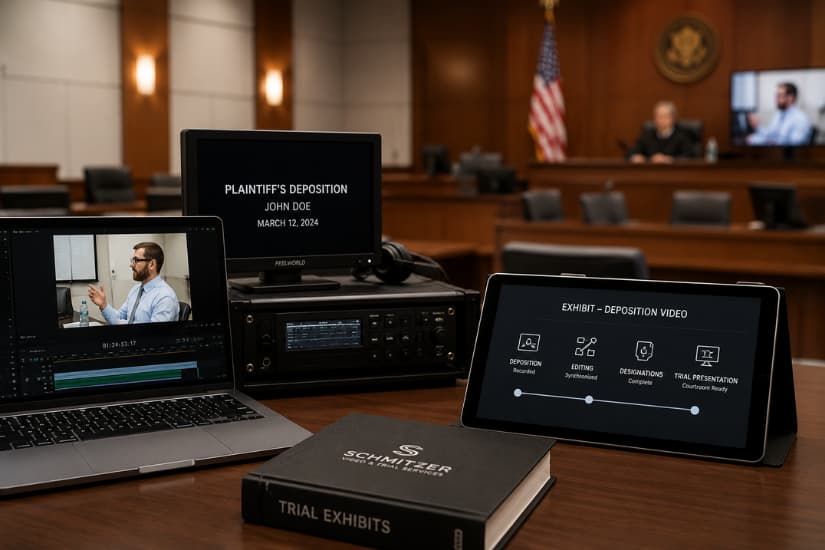
Trial-ready means the video has been synced to the transcript. It means the clip has been marked with designations, formatted for courtroom compatibility, and tested on the actual equipment the courtroom uses. It means someone has confirmed the clip plays cleanly and cues up instantly.
It also means the clip matches the exact testimony the attorney intends to present, down to the second. A raw file rarely meets that bar on its own. It usually needs preparation work most legal teams never see happening behind the scenes, well before the trial date arrives.
What Happens When a File Isn't Actually Ready
Technical Failures in the Courtroom
Courtroom AV systems are not all built the same way. A file that plays perfectly on a personal laptop can fail completely on unfamiliar hardware. Common issues include:
- Codec mismatches that prevent the file from opening at all
- Resolution settings that do not scale properly on courtroom displays
- Audio and video that drift out of sync during longer clips
- Playback software that does not support the file's original format
- Missing or corrupted files that were never verified before trial
- File sizes too large for the courtroom's system to load quickly
The Real Cost of a Playback Failure
A stalled video does more than waste a few minutes. It breaks the momentum an attorney has built with the jury. Jurors notice when something goes wrong, and that moment of scrambling can undercut the credibility of the testimony itself.
Judges notice too. A courtroom running behind schedule because of a technical issue reflects poorly on the legal team. This happens even when the underlying problem was never the attorney's fault to begin with.
Preparation is what prevents that scenario entirely. It shifts the burden of readiness away from trial day and onto the weeks beforehand, where mistakes are far cheaper to fix.
Why Raw Deposition Files Fall Short
Missing Designations and Counter-Designations
Designations mark which portions of a deposition will actually be shown at trial. Counter-designations are the opposing side's additions or objections to those selections. A raw video file has none of this built in.
Without designations, someone has to manually locate the right moment in a long recording. Doing that live, in front of the jury, is not a workable process during an active trial. It is a risk no legal team should be taking on unnecessarily.
No Video-Transcript Synchronization
Synchronization links the video to the exact transcript text, timestamp by timestamp. This matters most during impeachment testimony, when an attorney needs to jump instantly to a specific line a witness previously stated under oath.
Without sync, finding that exact moment becomes guesswork under pressure. With it, the clip is ready the second it is needed, with no searching and no hesitation in front of the jury.
Courtroom AV Compatibility Gaps
Every courtroom has its own combination of monitors, projectors, and playback software. A file built without that specific courtroom in mind is a gamble. What works in one Michigan courtroom may not work in another, even within the same county.
Checklist: Is Your Deposition Video Actually Trial-Ready?
- Has the video been synced to the full transcript?
- Are designations and counter-designations clearly marked?
- Has the file been tested on the actual courtroom equipment?
- Is there a backup file and backup playback system ready?
- Can the clip be pulled up instantly, without searching?
- Has someone reviewed the final cut for audio and video quality?
What Real Deposition Playback Preparation Looks Like
Building Synced Video Clips for Trial
Proper preparation starts with syncing the deposition video to the transcript line by line. This creates clips that correspond exactly to specific testimony. Each clip is ready to pull up the instant it is needed, without wasted time searching a long recording.
It is detailed work. Most jurors never realize how much preparation goes into a smooth thirty-second clip. But that preparation is exactly what makes courtroom playback feel effortless instead of stressful.
Preparing Designations for Courtroom Use
Once designations and counter-designations are finalized, they need to be built into a clean, organized format the trial team can actually use. This means clearly labeled clips, accurate timestamps, and a structure that matches how the attorney plans to present the case.
Good preparation removes the guesswork on trial day entirely. It means the attorney walks in already knowing exactly which clip comes next and exactly how it will play.
Testing Playback Before You Ever Step Into Court
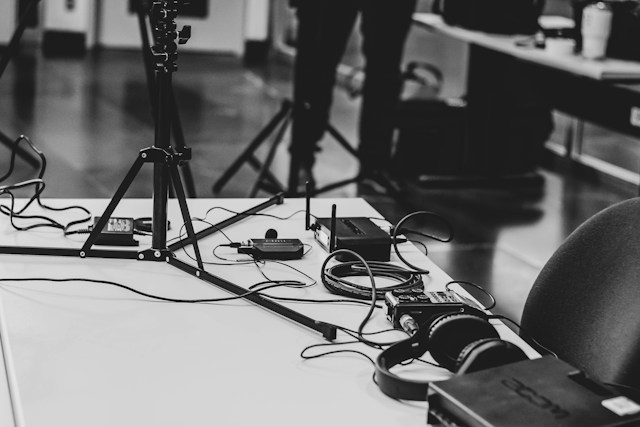
This is where redundant systems matter most. Backup laptops, backup files, and backup playback equipment are not overkill. They are what a calm, prepared trial team relies on when something unexpected happens, because something unexpected eventually always does.
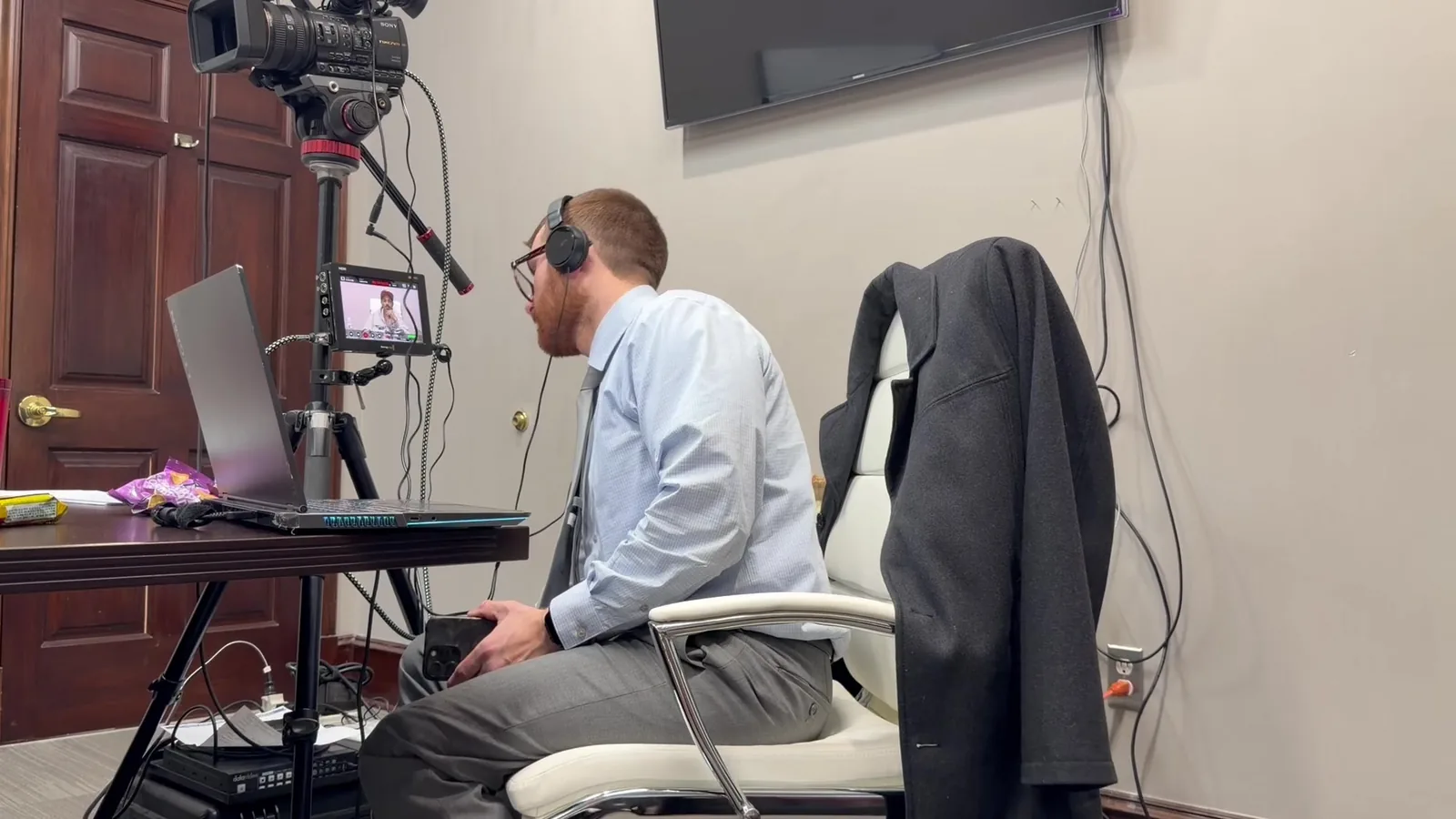
This is part of what the "Mobile Office" concept is built around. It means arriving at court with everything tested and backed up in advance. It means never depending entirely on the courtroom's own equipment working flawlessly on the day it matters most.
Our deposition playback services in Detroit MI are built specifically around this kind of preparation. Attorneys walk into court already knowing their clips will work, because the testing happened days earlier, not in front of the jury.
Common Mistakes Attorneys Make With Deposition Video
Waiting Until Trial Week to Prepare Clips
Designations and synced clips take time to prepare correctly. Waiting until the week before trial leaves no room to catch problems, request corrections, or test equipment properly. It turns a manageable task into a rushed one.
Assuming In-House Recording Is the Same as Trial Prep
Many firms record depositions internally or through a basic videography service. They assume that file is trial-ready by default, simply because it exists and plays back on a computer.
It rarely is trial-ready in that state. Recording and courtroom preparation are two separate skill sets entirely, and confusing them is one of the most common oversights in litigation support.
Skipping a Technical Run-Through
Testing playback on the actual courtroom system, before trial starts, catches problems while there is still time to fix them. Skipping this step is one of the most common and most avoidable mistakes attorneys make.
A run-through takes an hour or two. A failed playback in front of a jury can cost far more than time. It can cost the momentum an entire case relies on.
A few other patterns worth watching for:
- Relying on a single file with no backup copy
- Not confirming which courtroom's equipment will actually be used
- Assuming the opposing side's file format will be compatible with yours
- Forgetting to build in extra time for last-minute designation changes
Final Thoughts on Getting Deposition Video Trial-Ready
A deposition video file and a trial-ready clip are two different things. They often look identical on the surface. The gap between them is filled with synchronization work, designation preparation, and equipment testing that most people never think about until something goes wrong.
Attorneys who build this preparation into their trial timeline early avoid the scramble that comes from discovering a problem mid-trial. It is not about doing more work for its own sake. It is about making sure the testimony that took hours to capture gets seen exactly the way it was meant to be seen.
Let's Get Your Deposition Video Trial-Ready
Reach out to Schmitzer Video & Trial Services, LLC to talk through your upcoming trial dates and deposition playback needs. We would rather solve problems on a phone call this week than in a courtroom next month.
Key Takeaway
A deposition video is not automatically ready for courtroom use just because the recording plays correctly on a laptop. Synchronization, designations, formatting, compatibility testing, and backup systems help ensure testimony can be presented smoothly when it matters.
Planning a trial or deposition in Michigan? Let us make the technology the last thing you have to worry about.
Request a Consultation