Ask any attorney who has tried a medical malpractice case, and they will tell you the chart is where the case lives. Nursing notes, vitals flowsheets, medication records, and imaging reports hold the facts that matter. Yet jurors are asked to follow a clinical story written in a language most of them have never spoken. That gap between the record and the jury box is where many cases are won or lost.
Good trial presentation support for medical malpractice cases is less about screens and more about clarity. The right setup keeps the medical story readable, accurate, and steady from opening statements through closing.
In This Article
- Why Do Medical Malpractice Trials Put So Much Pressure on Presentation Technology?
- What Does Effective Medical Record Display Look Like in the Courtroom?
- How Should Expert Testimony Presentation Be Supported?
- Building Medical Trial Exhibits That Clarify Instead of Overwhelm
- Reliability: The Requirement Nobody Notices Until It Fails
- Common Questions About Trial Presentation Support in Medical Malpractice Cases
- Giving the Medical Evidence Room to Be Understood
- Plan Your Next Medical Malpractice Trial With a Steady Hand Beside You
Why Do Medical Malpractice Trials Put So Much Pressure on Presentation Technology?
Thousands of Pages, a Handful of Moments That Matter
A single case can include records from a hospital, an urgent care clinic, a specialist, and a pharmacy. Each provider uses its own format and its own system. Still, the dispute often turns on a few entries. A missed lab value, a delayed order, or a vague note can carry the entire case.
Jurors Without a Medical Background
Many people don't realize how quickly jurors lose track of clinical terms. Words like "tachycardic," "PRN," or "decreased perfusion" can pass right by them. When jurors stop understanding, they often stop listening. Visuals give them something concrete to hold onto while the testimony explains the meaning.
Experts Who Teach Through Visuals
Physicians and nurses who testify as expert witnesses are, in many ways, teachers. They explain anatomy, standard of care, and cause and effect. Most rely on images, charts, and timelines to do that well. An expert without reliable visual support has to work twice as hard to be understood.
What Does Effective Medical Record Display Look Like in the Courtroom?
Callouts, Zooms, and Highlighting That Guide the Eye
Putting a whole page on screen feels thorough, but it usually backfires. Jurors scan for meaning and often land on the wrong line. Thoughtful display tools point attention where it belongs.
Useful techniques include:
- Isolated callouts that pull a single entry out of a crowded page and enlarge it
- Highlighting that marks a time stamp, dosage, or signature while leaving context visible
- Side-by-side comparisons that place two versions of a record next to each other
- Redaction-aware display that keeps protected health information (PHI) or excluded information off the screen
Handling Difficult Record Formats
Medical records rarely arrive in a clean, uniform format. Each type presents its own display challenges, so preparation needs to start early.
- Handwritten notes often need enlargement and contrast adjustment to be legible
- Scanned faxes can be blurry, skewed, or partially cut off
- EMR printouts may split a single entry across several pages
- Audit trail logs are dense grids of time stamps that need filtering to make sense
- Fetal monitoring strips are long, continuous tracings that must be segmented to show key intervals
Finding the Exact Page in Seconds
Delays feel longer in a courtroom than anywhere else. When an attorney asks for a record and the screen stays blank, jurors notice. Indexing exhibits by Bates number, exhibit number, and subject allows retrieval in seconds.
How Should Expert Testimony Presentation Be Supported?
Preparing Visuals Alongside the Expert Before Trial
Preparation starts well before the expert takes the oath. The attorney and technician should walk through the planned sequence with the expert, confirming what appears on screen and when. This is also the time to catch terminology that needs a visual explanation.
Live Annotation and Retrieval During Direct Examination
Testimony rarely follows the script perfectly. Live annotation lets an expert circle an area on an MRI while explaining what it shows. That kind of interaction keeps jurors engaged without breaking the rhythm of the examination.
Flexibility also matters in other specific ways:
- Pulling an unplanned exhibit when the expert references a record from memory
- Freezing a frame of surgical video so the expert can explain a single moment
- Switching between two imaging studies to show change over time
- Returning to an earlier exhibit when the jury needs a refresher
Readiness for Cross-Examination and Impeachment
Cross-examination of an opposing expert or treating physician can hinge on prior testimony. When a witness contradicts their deposition, the moment to respond is immediate. Synced deposition clips, prepared and tested in advance, allow playback within seconds.
When the Expert Testifies Remotely or by Video
Busy physicians are not always available to appear in person. Some testify remotely, while others appear through recorded video depositions. Both options require careful testing of audio, video, and exhibit sharing.
Building Medical Trial Exhibits That Clarify Instead of Overwhelm
Timelines of Care
A timeline of care often becomes the backbone of a medical malpractice case. It shows when symptoms appeared, when tests were ordered, and when decisions were made. Jurors can see gaps and delays at a glance. Each entry should tie back to a specific record so the timeline holds up under challenge.
Anatomical Illustrations and Imaging
Anatomy diagrams help jurors picture what surgery or injury involved. Radiology images and surgical photos add a layer of reality. These visuals should be introduced with care, since graphic imagery can distract or upset jurors.
Myth vs. Fact: Medical Exhibits
- Myth: More visuals always make the case stronger. Fact: Too many exhibits can bury the moment that matters most.
- Myth: Polished animations impress jurors most. Fact: Clear, simple graphics tied to the record often earn more trust.
- Myth: Exhibit prep can wait until the week before trial. Fact: Medical exhibits often need expert review and several rounds of revision.
Reliability: The Requirement Nobody Notices Until It Fails
What Redundancy Looks Like in Practice
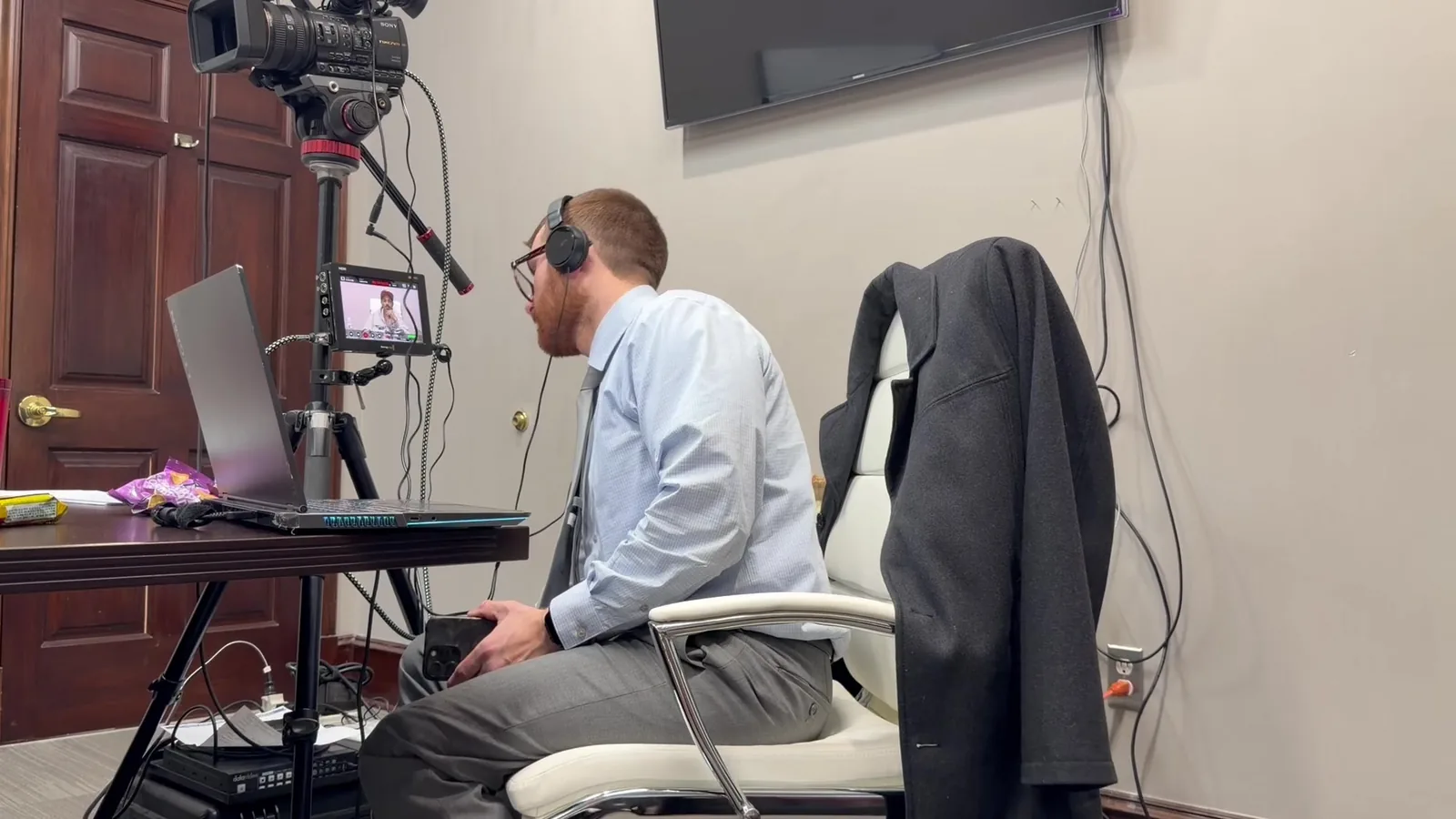
Schmitzer works from a "Mobile Office" approach. That means arriving with everything needed to keep the trial moving, even if something breaks.
In practice, that includes:
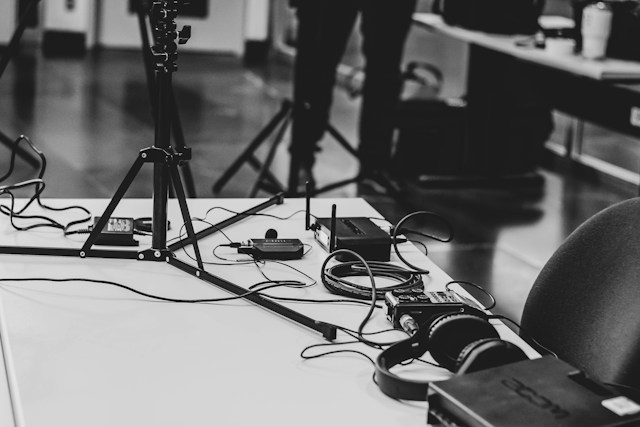
- Backup laptops loaded with the full exhibit set
- Duplicate copies of all deposition video stored offline
- Spare cables, adapters, and power supplies
- A secondary display option if a courtroom monitor fails
- Tested audio equipment for playback and remote testimony
Courtroom Compatibility Across Southeast Michigan
Courtrooms across Southeast Michigan vary more than many attorneys expect. Facilities in Oakland, Wayne, and Macomb counties each have their own setups, and courtrooms differ even within one building. The Eastern District of Michigan brings its own federal protocols and equipment. Early site checks and a steady 30-minute pre-court setup help avoid surprises on day one.
A Readiness Checklist for Medical Malpractice Trial Teams
A short checklist can reveal gaps while there is still time to fix them. Teams can review it a few weeks before trial and again during the final week.
- Key medical records identified, indexed, and tied to exhibit numbers
- Expert visuals reviewed and approved by each expert
- Deposition designations and counter-designations synced and clipped
- Timeline of care finalized and cross-referenced to the record
- Redactions confirmed for protected health information
- Courtroom walkthrough and AV test completed
- Backup systems packed, charged, and tested
Common Questions About Trial Presentation Support in Medical Malpractice Cases
When Should a Trial Team Bring in Presentation Support?
Ideally, several weeks before trial. That timeline leaves room for exhibit preparation, deposition syncing, and expert coordination. Earlier involvement can also help shape which records become exhibits.
Can Treating Physician Depositions Be Synced for Trial Playback?
Yes. Video depositions of treating physicians can be synced with the certified transcript. Designated segments can then be clipped and played with the matching text on screen.
How Are Sensitive Medical Records Handled on Courtroom Screens?
Sensitive records should be reviewed and redacted before trial according to court orders and counsel's direction. The trial technician then displays only approved versions. Careful habits, like blanking the jury monitor between exhibits, add another layer of protection.
Does a Trial Technician Work With Both Plaintiff and Defense Teams?
Yes. Trial presentation support serves whichever legal team retains it. The goal is the same either way: clear, accurate, and reliable presentation of the evidence.
Giving the Medical Evidence Room to Be Understood
The strongest medical malpractice trials tend to feel calm inside the courtroom. Attorneys focus on questioning. Experts focus on teaching. The technology fades into the background and simply does its job.
That calm rarely happens by accident. It comes from weeks of quiet preparation, careful exhibit work, and backup plans that hopefully never get used. When jurors can follow the medicine, they can weigh the evidence fairly. That outcome serves every side of the courtroom.
Plan Your Next Medical Malpractice Trial With a Steady Hand Beside You
Every medical malpractice case brings its own records, experts, and courtroom quirks. If you have a trial on the calendar, John would be glad to talk through your exhibits, expert schedule, or playback needs.
Reach Schmitzer Video & Trial Services directly:
- Email: jpschmitzer@gmail.com
- Phone: (248) 804-7488
- Address: P.O. Box 805983, Saint Clair Shores, MI 48080
Key Takeaway
Medical malpractice trials require presentation technology that can turn dense records, complex terminology, expert testimony, and imaging into clear evidence jurors can follow. Careful exhibit preparation, reliable courtroom technology, synced deposition video, and backup systems help trial teams present the medical story without unnecessary distractions.
Planning a trial or deposition in Michigan? Let us make the technology the last thing you have to worry about.
Request a Consultation