Most trial preparation focuses on arguments, witnesses, and case strategy. That makes sense. Those elements win or lose cases. But there's another layer of preparation that often gets overlooked until it's too late: the logistics and technology that make a strong case actually land in front of a jury.
Attorneys spend months building a case. They outline arguments, prepare witnesses, and organize evidence with precision. Then a projector fails, a video deposition doesn't sync with the transcript, or a remote witness can't connect on time. These aren't rare problems. They're common, and in almost every instance, they're preventable.
The gap usually isn't a lack of effort. It's a lack of visibility. Case strategy gets enormous attention during preparation, while the mechanics of presenting that strategy in a courtroom get much less. By the time trial starts, there's little room left to troubleshoot equipment or fix a syncing issue.
In This Article
- 1. A Backup Plan for Courtroom Technology
- 2. A Clear Plan for Presenting Evidence to the Jury
- 3. Properly Synced Video Depositions, Not Just Raw Footage
- 4. A Coordinated Plan for Remote or Hybrid Witnesses
- 5. A Dedicated Trial Technician, Not an Afterthought
- Preparation Is the Foundation of a Strong Trial
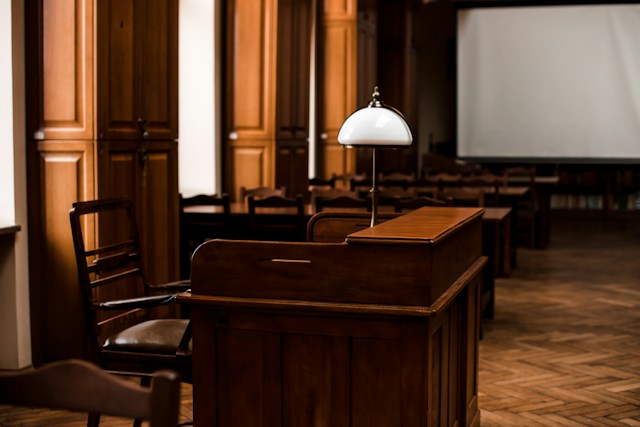
It stalls the proceeding. It breaks the jury's focus. And it puts pressure on the attorney at the worst possible moment. Courtrooms are not always equipped with reliable, modern AV systems. Many still rely on outdated monitors, inconsistent projectors, or shared equipment that wasn't tested beforehand.
Many attorneys don't realize how often technology issues come down to a lack of redundancy, not a lack of quality equipment. A single laptop, one cable, or one connection point is rarely enough for a multi-day trial. Equipment that works fine during a quick run-through can behave differently after hours of continuous use.
There's also a timing problem. Courtroom staff and IT support are often stretched across multiple courtrooms on a given day. If something fails during testimony, waiting for outside help isn't realistic. The delay falls on the attorney and the trial team to solve, often in front of the jury.
A prepared trial team typically brings:
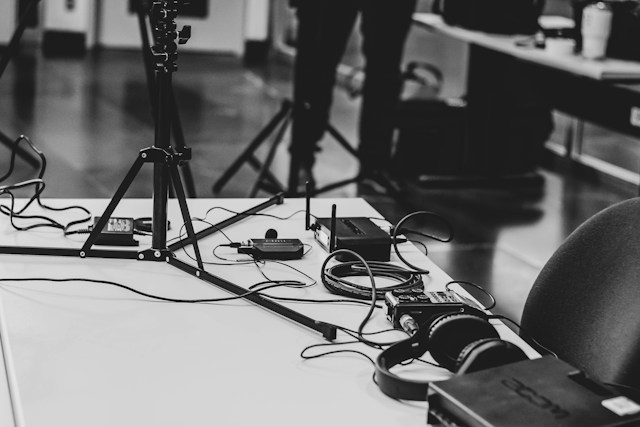
- Backup laptops and displays
- Redundant cables and adapters
- Secondary internet connections for hybrid proceedings
- Pre-tested equipment specific to the courtroom's layout
- Spare batteries and power sources for extended trial days
2. A Clear Plan for Presenting Evidence to the Jury
Jurors process information differently depending on how it's presented. Spoken testimony alone asks a lot of a jury's memory. Visual evidence, when used well, reinforces key facts and makes complex information easier to follow. Studies on jury comprehension consistently show that people retain visual information longer than information they only hear.
Many attorneys prepare strong exhibits but don't think through how those exhibits will actually be displayed. A printed exhibit board is different from a digital exhibit pulled up in real time. Timing, sequencing, and clarity all affect how a jury receives the information. An exhibit that looks clear on a laptop screen may be unreadable once it's projected across a courtroom.
There's also a pacing issue. Jurors lose focus quickly when an attorney fumbles with files, searches for the right page, or waits for a document to load. Every pause during a presentation is a pause in the jury's attention. A smooth presentation keeps the narrative moving and keeps the jury engaged with the argument, not the technology.
A solid presentation plan usually includes:
- Digital and physical versions of key exhibits
- A tested sequence for introducing evidence
- Enlarged or annotated visuals for complex documents
- A clear plan for impeachment or rebuttal materials
- Contingency options if a specific exhibit needs to be pulled or adjusted mid-trial
3. Properly Synced Video Depositions, Not Just Raw Footage
This is one of the most common misconceptions in trial prep. A video deposition captures the witness on camera. A synced deposition connects that video to the written transcript, so specific lines of testimony can be pulled up instantly during trial. Without that connection, the video and the transcript exist as two separate files that have to be matched manually.
Many people assume this syncing happens automatically. It doesn't. Raw video footage without proper synchronization is difficult to use efficiently in a courtroom setting. Searching for a specific moment in an un-synced video can take minutes. During trial, minutes matter, especially when a judge and jury are waiting.
This distinction becomes even more important during impeachment. An attorney who needs to show a witness contradicting earlier testimony has to move quickly and precisely. Fumbling through an unmarked video file while opposing counsel objects to the delay undermines the moment entirely, even when the underlying testimony is damaging to the other side.
A properly synced deposition allows an attorney to:
- Jump directly to a specific line of testimony
- Play video clips that match the transcript in real time
- Use impeachment clips quickly and accurately
- Avoid delays while searching through unmarked footage
- Prepare clip lists in advance, tied directly to page and line numbers
4. A Coordinated Plan for Remote or Hybrid Witnesses
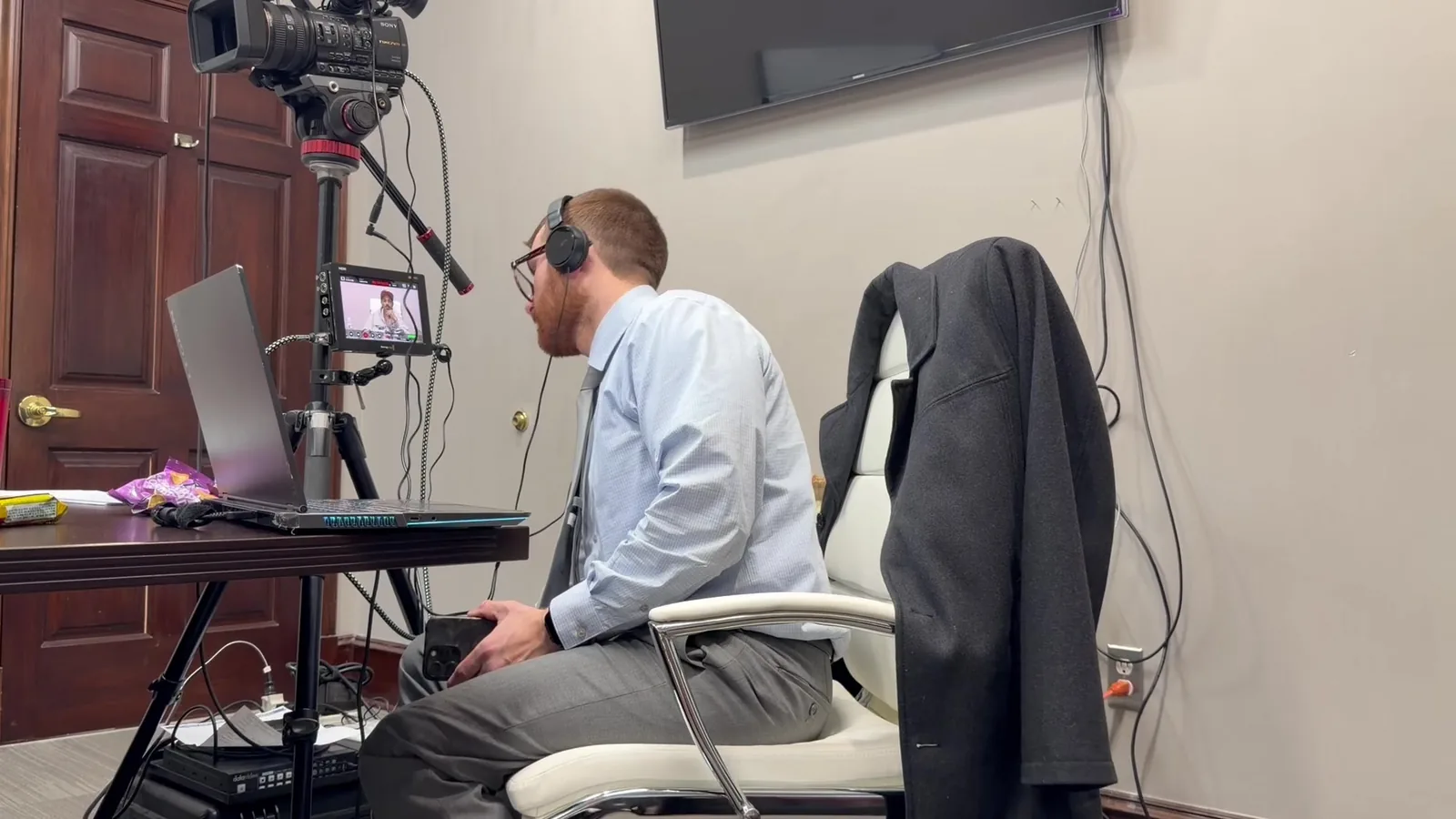
Remote and hybrid trials have become far more common. Expert witnesses often testify from other states, and coordinating that testimony requires more than a video link. It requires a tested, reliable setup that accounts for delays, technical failures, and courtroom logistics on both ends of the connection.
Many attorneys don't realize how much coordination goes into remote testimony until something goes wrong. A dropped connection during a witness's testimony can disrupt momentum and raise questions about credibility, even when the substance of the testimony is solid. Jurors can be influenced by presentation issues that have nothing to do with the facts of the case.
Time zones add another layer of complexity. An expert witness testifying from across the country may need to connect early in the morning or late in the day, depending on the court's schedule. Coordinating that logistics piece, on top of the technical setup, is easy to overlook until the week of trial.
A well-coordinated remote testimony plan includes:
- A tested connection well before the court date
- A backup connection method in case of failure
- Clear audio and video setup on both ends
- Coordination with courtroom staff on displays and sound
- A dry run that mirrors the actual courtroom setup as closely as possible
This is often the most misunderstood role in trial preparation. Many attorneys assume any AV person or general tech support can manage courtroom technology during trial. In reality, trial technology requires specific experience with courtroom procedure, evidence handling, and real-time problem solving under pressure.
Myth
Any AV technician can manage courtroom equipment during trial.
Reality
Courtroom technology requires familiarity with trial procedure, evidence rules, and the ability to troubleshoot quietly and quickly without disrupting proceedings.
A general AV technician may understand cables and displays, but courtroom work adds constraints that don't exist in a typical business or event setting. Exhibits have to be pulled up in the correct order, often on short notice, while following rules of evidence. Technical issues have to be resolved without drawing attention away from the witness or the argument being made.
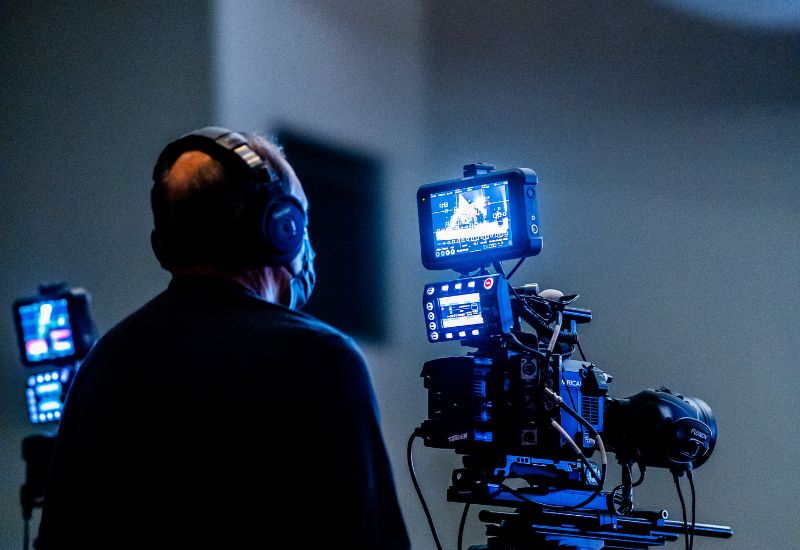
A dedicated trial technician is not just a videographer. This role typically covers:
- Managing all courtroom AV equipment throughout trial
- Coordinating exhibits, video, and remote testimony in real time
- Troubleshooting issues without pausing the proceedings
- Staying calm and adaptable during high-pressure moments
- Communicating with attorneys, court staff, and remote witnesses simultaneously
Preparation Is the Foundation of a Strong Trial
None of these five items are about the strength of the case itself. They're about making sure a strong case is presented clearly, without unnecessary friction. Attorneys who prepare for the logistics of trial, not just the arguments, tend to walk into the courtroom with more confidence.
Trial preparation often gets treated as two separate tracks: legal strategy and everything else. In practice, they're connected. A well-argued case can still lose momentum if the presentation stumbles. A well-prepared presentation can reinforce an argument and make it easier for a jury to follow and remember.
The attorneys who avoid last-minute scrambling are usually the ones who started planning the logistics early, alongside the legal strategy, rather than treating it as an afterthought once the trial date got close. That head start makes a noticeable difference once the trial is underway.
Talk to Our Team Before Your Next Trial
If you're preparing for an upcoming trial and want to make sure your technology, exhibits, and video evidence are ready to go, our team is here to help. Schedule a consultation with Schmitzer Video & Trial Services to build a preparation plan that fits your case.
Key Takeaway
Discover five often-overlooked trial preparation steps that help attorneys avoid technology issues, present evidence effectively, and stay courtroom-ready.
Planning a trial or deposition in Michigan? Let us make the technology the last thing you have to worry about.
Request a Consultation