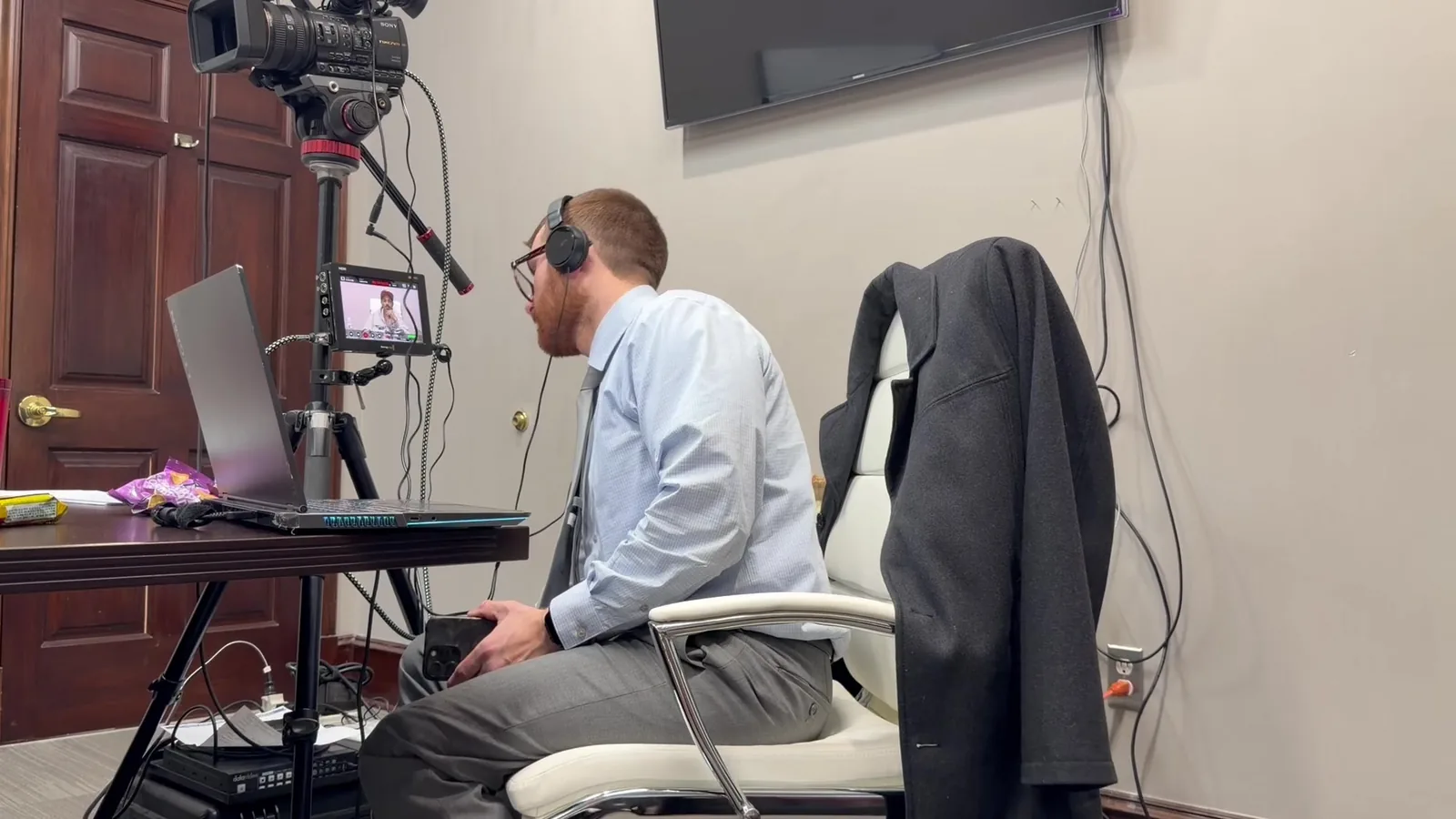
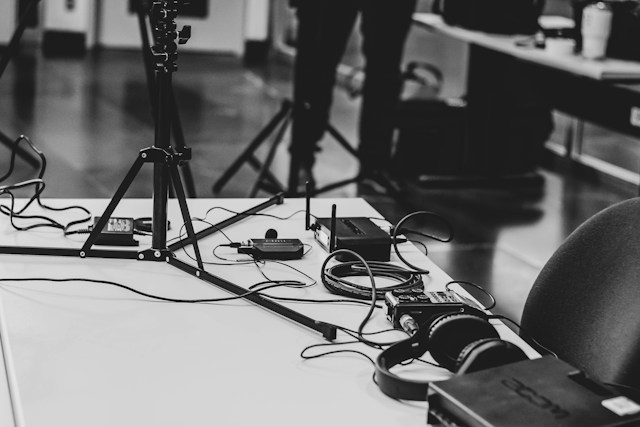
Trial day doesn't leave room for surprises. Attorneys walk into the courtroom carrying months, sometimes years, of preparation. The last thing anyone needs is a projector that won't connect, or a video file that won't play at the wrong moment.
What looks effortless in the courtroom is rarely effortless behind the scenes. It's the result of hours of quiet, methodical preparation before the first exhibit is ever shown to a jury. At Schmitzer Video & Trial Services, that preparation is the job, not an afterthought squeezed in before setup.
Our philosophy is simple: prepared, redundant, and calm under pressure. We treat every trial like a mobile office. It has to run flawlessly, no matter what the courtroom throws at us.
In This Article
- Why Pre-Trial Prep Is a Non-Negotiable
- Equipment Checks
- Software & File Verification
- Courtroom-Specific Logistics
- Remote & Hybrid Testimony Checks
- The Human Element: Communication with the Legal Team
- Preparation Is the Presentation
Why Pre-Trial Prep Is a Non-Negotiable
A single tech failure in front of a jury can cost more than time. It can break the momentum an attorney worked hard to build over hours of testimony. Jurors notice friction, even small delays, and that friction can quietly undercut credibility without anyone saying a word. Judges notice it too, and few things test patience like a courtroom stalled by a frozen screen.
Presentation technology isn't separate from the case being made. It's part of how that case gets told to the people who matter most. A smooth, well-run presentation keeps the attorney's argument front and center. It shouldn't have to compete with technical distractions.
That's why preparation isn't a nice-to-have for us. It's the foundation of everything we do, from the first equipment check to the final playback test. Being "courtroom ready" isn't a tagline.
It's a standard we hold ourselves to on every case, every time. That's true regardless of how routine the proceeding might seem.
Attorneys have enough to manage without wondering whether the technology will cooperate. Our job is to remove that variable entirely, so preparation becomes invisible and the case stays visible.
Equipment Checks
Before any trial, every piece of equipment gets tested, not assumed to work. We don't trust that something worked last time means it will work today. Courtrooms vary, outlets vary, and equipment can fail without warning, sometimes for no obvious reason at all.
Our equipment checklist includes:
- Testing all AV equipment: projectors, monitors, screens, and audio systems
- Verifying that backup and redundant systems are packed, charged, and functional
- Checking batteries, cables, and connections for wear or failure points
- Confirming compatibility with whatever technology the courtroom already has in place
Redundancy Is the Rule, Not the Exception
We never bring just one of anything critical. If a cable fails, we have another ready to go. If a monitor goes dark, a backup is already in the case, tested and waiting.
This redundant-systems approach is part of what makes us a true mobile office. We're not just a videographer showing up with a laptop and hoping for the best.
Redundancy isn't about expecting failure. It's about refusing to let failure become a courtroom event. That distinction is at the heart of how we prepare for every case.
Software & File Verification
Equipment is only half the equation. The files themselves have to be checked with just as much care. Hardware and content have to work together seamlessly. A perfectly working projector doesn't help if the video clip won't load or the exhibit is out of order.
Before trial, we confirm:
- All exhibits, video clips, and demonstratives are loaded and functioning correctly
- Synced transcript and video files play back exactly as intended
- File formats are fully compatible with the courtroom's existing systems
- Every file has been played in full, not just spot-checked for a few seconds
Why a Full Playback Test Matters
A file that opens isn't the same as a file that plays correctly from start to finish. We run complete playback tests on every exhibit before trial, watching and listening the entire way through. This catches sync issues, corrupted segments, or formatting problems while there's still time to fix them.
Skipping this step is one of the most common causes of courtroom technology failures we see across the industry. A quick glance at a thumbnail isn't a substitute for watching the whole clip. We treat every file as untested until we've confirmed it ourselves.
Courtroom-Specific Logistics
Every courtroom is different, and treating them all the same is a mistake. Outlets are in different places. Layouts vary from room to room, even within the same courthouse. Some judges have specific technology rules that others don't, and those rules can affect setup timing and equipment placement.
Our courtroom logistics process typically includes:
- Coordinating with court staff ahead of time whenever possible
- Understanding the courtroom's specific layout, outlet placement, and existing AV setup
- Confirming any rules unique to that judge or jurisdiction
- Timing our setup around the court's schedule, not the other way around
Local Familiarity Makes a Difference
Having worked in courtrooms across Michigan, we know that no two are identical. Some courtrooms have modern built-in AV systems. Others rely almost entirely on equipment we bring ourselves. That familiarity helps us anticipate problems before they happen, rather than reacting to them in real time.
It's one more layer of the preparation that keeps trial day calm instead of chaotic. Attorneys benefit from a team that already knows the room, even before the case begins.
Remote & Hybrid Testimony Checks
Remote and hybrid testimony has become a regular part of modern litigation. It's also one of the most common places where technology problems can appear without warning. Connectivity issues, platform glitches, and audio delays can all disrupt a witness's testimony if they aren't caught early.
Before any remote or hybrid proceeding, we verify:
- Connectivity for remote witnesses or expert testimony
- Full functionality of the virtual platform being used, such as Zoom
- Backup connectivity options, including hotspots or secondary devices
- Timing and access details with every remote participant in advance
Building in a Safety Net
A single point of failure isn't acceptable when a witness is testifying from another state. That's why we build backup connectivity into every hybrid setup, no matter how reliable the primary connection seems. If one connection drops, we're ready with another so testimony can continue without interruption.
This approach reflects the same redundancy philosophy that guides our equipment checks. Remote testimony introduces more variables than an in-person witness, and we plan for that reality accordingly.
The Human Element: Communication with the Legal Team
Technology is only part of the picture. Clear communication with the legal team matters just as much, especially in the final hours before trial begins. Trial strategy can shift right up until testimony starts. Our job is to stay aligned with those changes.
Before trial, we make sure to:
- Walk through the order of exhibits and video clips with the attorney
- Confirm any last-minute changes have been incorporated correctly
- Make sure the legal team knows exactly what to expect technically
- Stay present and available throughout the proceeding, not just during setup
We Don't Just Set Up and Leave
Being in the room matters. If something needs to shift mid-trial, we're there to adjust in real time. That might mean exhibit order, or an unexpected objection.
That level of support is part of what it means to be a true trial technology partner. We're not just an equipment vendor dropping off gear.
Attorneys need a team they can turn to without breaking their own focus. That's the role we aim to fill on every case.
Preparation Is the Presentation
Everything a jury sees in the courtroom is the visible result of work no one sees. The equipment checks, the file tests, and the courtroom logistics all happen before the first exhibit appears. So do the backup systems. None of it is an accident, and none of it happens at the last minute.
This is what "prepared, professional, and trial ready" actually means in practice. It's not a slogan we put on a website. It's a checklist, followed every single time, without exception, whether the case is a single afternoon or a multi-week trial.
Let Us Handle the Details So You Can Focus on the Case
Trial day should be about the case, not the equipment. When you bring Schmitzer Video & Trial Services in early, you get a team that's already prepared. Every technical detail is handled before you walk into the courtroom.
If you have an upcoming trial, deposition, or hybrid proceeding, reach out to schedule a consultation. Let us handle the preparation, so you can stay focused on presenting your strongest case.
Key Takeaway
Learn what trial technology professionals double-check before every courtroom presentation to ensure reliable exhibits, video playback, and seamless trials.
Planning a trial or deposition in Michigan? Let us make the technology the last thing you have to worry about.
Request a Consultation