The deposition is over. The witness has been sworn in, questioned, and recorded. The attorney closes their laptop and moves on to the next task in a busy litigation schedule.
But that video file doesn't walk itself into the courtroom.
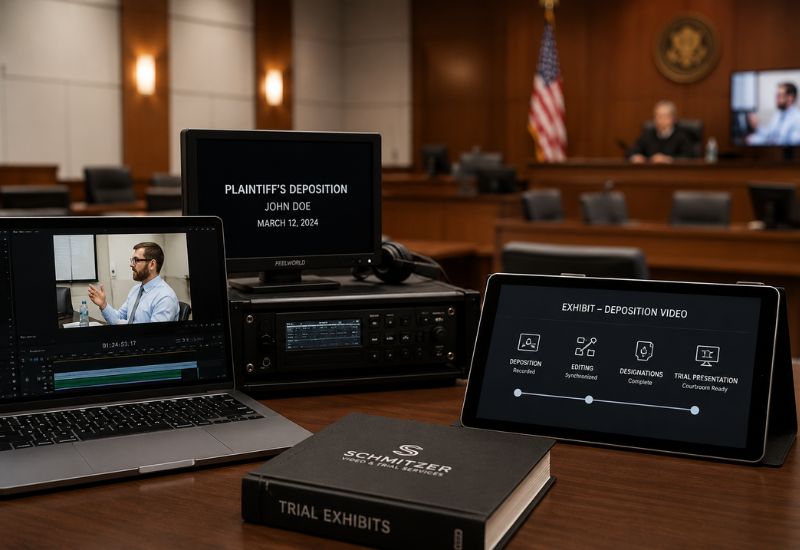
Many attorneys assume that once a deposition is recorded, it's essentially trial-ready. In reality, a recorded deposition is just the starting point. Between that moment and the day a video plays in front of a jury, there's a process most people outside litigation support never see.
Understanding that process can make trial preparation smoother, and a lot less stressful, when the stakes are highest.
In This Article
- Setting the Scene: Why This Matters Before Trial Prep Begins
- What Happens Right After the Deposition
- Syncing Video to Transcript: The Foundation of Usable Evidence
- Decision Points: What Determines How the Video Will Be Used
- Preparing Clips for Trial: Turning Hours of Footage Into Usable Segments
- Courtroom Playback: Making Sure It Works When It Counts
- Possible Paths Depending on the Case
- What This Scenario Teaches Attorneys
- Preparation Is What Makes the Video Work When It Matters Most
Setting the Scene: Why This Matters Before Trial Prep Begins
Imagine a personal injury case heading toward trial. The plaintiff's treating physician gave a video deposition months earlier, but now that physician is unavailable to testify in person. The attorney needs that deposition to function as live testimony in front of the jury.
This is a common scenario. It's also where many attorneys start asking questions they didn't think about earlier:
- Is the video actually usable in its current form?
- Has it been synced to the transcript for accurate playback?
- Which portions were designated, and which were objected to?
- Will the courtroom's equipment support the playback format?
Waiting until the week before trial to answer these questions creates unnecessary risk. A clearer picture earlier in the process helps avoid last-minute scrambling.
What Happens Right After the Deposition
Once the deposition wraps, the raw video file exists, but it isn't yet organized for legal use. A few things typically happen first.
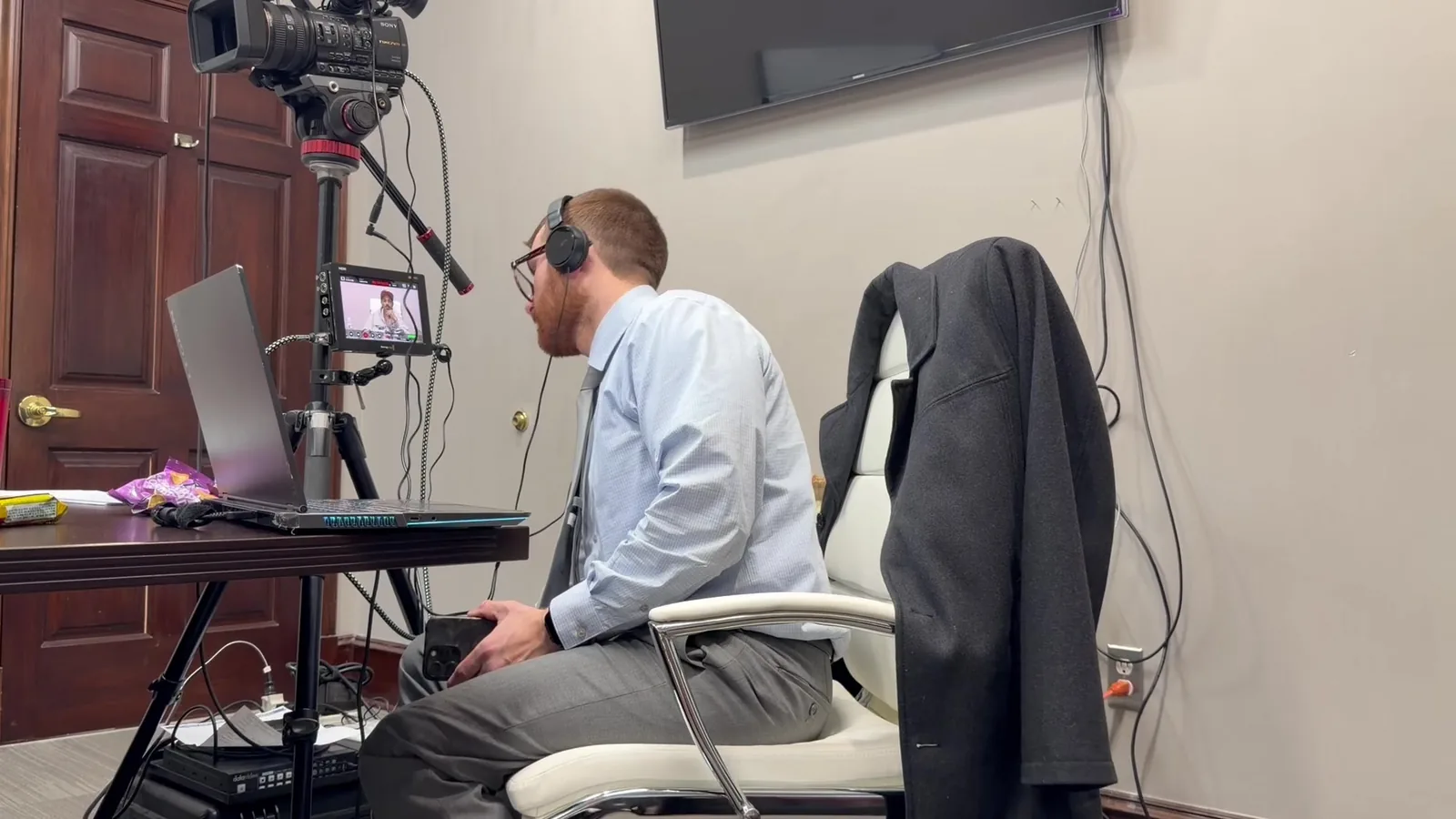
The videographer secures the raw footage and prepares it for delivery to counsel. The court reporter separately prepares the written transcript. At this stage, the video and the transcript exist as two separate pieces that haven't yet been connected.
What many people don't realize is that this gap between "recorded" and "usable" is where a lot of technical work happens. Without proper handling, a video deposition can become difficult to search, cite, or present accurately later.
Common Assumptions at This Stage
- "The video is ready to play in court as-is." It usually isn't, at least not without synchronization and review.
- "The transcript and video will automatically line up." They won't, unless someone syncs them intentionally.
- "This step can wait until closer to trial." It's better handled early, especially in longer cases.
Syncing Video to Transcript: The Foundation of Usable Evidence
Video-to-transcript synchronization is the technical foundation that makes everything else possible. Without it, finding a specific moment of testimony means scrubbing through hours of footage by hand.
Synchronization matches the video timeline to the exact transcript page and line. This allows attorneys to search testimony by keyword and jump directly to that moment in the video. It also makes clipping specific segments far more accurate and efficient.
This step matters more than it might seem. A poorly synced deposition can lead to wasted time, missed testimony, or inaccurate clips during trial prep. A properly synced one becomes a searchable, dependable resource for the rest of the case.
Decision Points: What Determines How the Video Will Be Used
Not every deposition video is used the same way at trial. Several factors shape how it will ultimately be presented to the jury.
Attorneys and their trial support team typically consider:
- Purpose of use: Is the video preserving testimony from an unavailable witness, or is it being used to impeach a witness who testified differently at trial?
- Witness availability: Will the witness appear in person, or does the video need to stand in for live testimony?
- Designations and counter-designations: Which portions has each side marked for use, and which have been objected to?
- Court rulings on objections: Has the judge ruled on what can and cannot be shown to the jury?
- Courtroom technology: What playback equipment does the courtroom have, and does the video format match it?
Each of these decisions affects how the final video product needs to be prepared. A video meant to preserve full testimony looks very different from a short impeachment clip.
Preparing Clips for Trial: Turning Hours of Footage Into Usable Segments
Depositions can run for hours, but trial testimony rarely needs all of it. This is where clip preparation becomes essential.
The process usually starts with identifying the specific testimony relevant to trial. From there, the video is cut to match designated segments, factoring in any counter-designations from opposing counsel. Objections and judicial rulings often require removing or adjusting certain portions before the video is finalized.
This isn't just editing. It's a careful process of aligning the video with what the court has approved for the jury to see. A single missed ruling or misaligned cut can create real problems mid-trial.
What Attorneys Should Have Ready Before This Step
- Final designations and counter-designations from both sides
- Any rulings on objections that affect specific testimony
- A clear understanding of how the clip will be used (testimony vs. impeachment)
- Enough lead time before trial to review the finished clips
Courtroom Playback: Making Sure It Works When It Counts
A perfectly prepared video still needs to play correctly in the courtroom, in front of a judge and jury, without technical delays. This is where preparation and redundancy matter most.
Courtroom playback depends on compatible equipment, tested file formats, and a technician who understands how each courtroom's setup works. Judges have different preferences, courtrooms have different technology, and opposing counsel may raise objections in real time. A trial technician needs to be ready for all of it.
This is also where backup systems become critical. Redundant equipment and tested playback processes mean that a technical hiccup doesn't turn into a courtroom delay. Being prepared, and staying calm under pressure, is what separates a smooth playback from a stressful one.
Attorneys are focused on arguing the case. They shouldn't have to worry about whether the video will play.
Possible Paths Depending on the Case
Every case is different, and the path from deposition to courtroom reflects that. A few realistic examples illustrate how this can look.
Unavailable witness testimony. In many situations, a witness who gave a video deposition becomes unavailable for trial due to relocation, health, or scheduling conflicts. The full, synced video may be presented as their testimony, following the court's rules on admissibility.
Impeachment clips. A witness may testify at trial in a way that differs from their deposition. In this case, a short, specific clip may be pulled to highlight the inconsistency for the jury.
Remote and hybrid considerations. Some cases involve expert witnesses or parties testifying remotely. This adds another layer of coordination, from connection reliability to ensuring the remote feed integrates smoothly with in-courtroom presentation.
This does not mean every case follows the same path, but understanding these variations helps explain why preparation looks different from one trial to the next.
What This Scenario Teaches Attorneys
The biggest misconception in this process is that recording a deposition is the finish line. It's actually the starting point of a longer technical process, one that involves synchronization, review, clipping, and courtroom-ready delivery.
Many attorneys don't think about courtroom playback logistics until close to trial. By then, options can be limited if the video wasn't properly synced or prepared earlier in the case. Early coordination with a trial technology specialist gives attorneys more flexibility and fewer surprises.
The right approach always depends on the specifics of the case. But understanding the general process, from raw footage to courtroom-ready evidence, helps attorneys ask better questions and plan further ahead.
Preparation Is What Makes the Video Work When It Matters Most
A deposition video becoming trial evidence isn't a single event. It's a process built on synchronization, careful review, thoughtful clip preparation, and tested courtroom technology.
That's the difference between a videographer and a courtroom technology specialist. Preparation, redundancy, and calm execution under pressure are what make a video actually work when a jury is watching. It's not just about capturing testimony. It's about making sure that testimony is usable, accurate, and ready when the moment arrives.
Schmitzer Video & Trial Services was built around that philosophy. Preparation matters. Presentation matters. And helping attorneys feel supported through every stage of litigation, from deposition to courtroom, matters most.
Ready to Talk Through Your Trial Video Strategy?
If you have a trial coming up and want to understand how your deposition footage will translate into courtroom-ready evidence, we're happy to talk through your options. Request a consultation to review your case timeline, discuss courtroom technology needs, and make sure your video evidence is ready well before trial day.
Key Takeaway
Learn how deposition videos become courtroom-ready evidence through transcript syncing, clip preparation, and trial technology planning.
Planning a trial or deposition in Michigan? Let us make the technology the last thing you have to worry about.
Request a Consultation