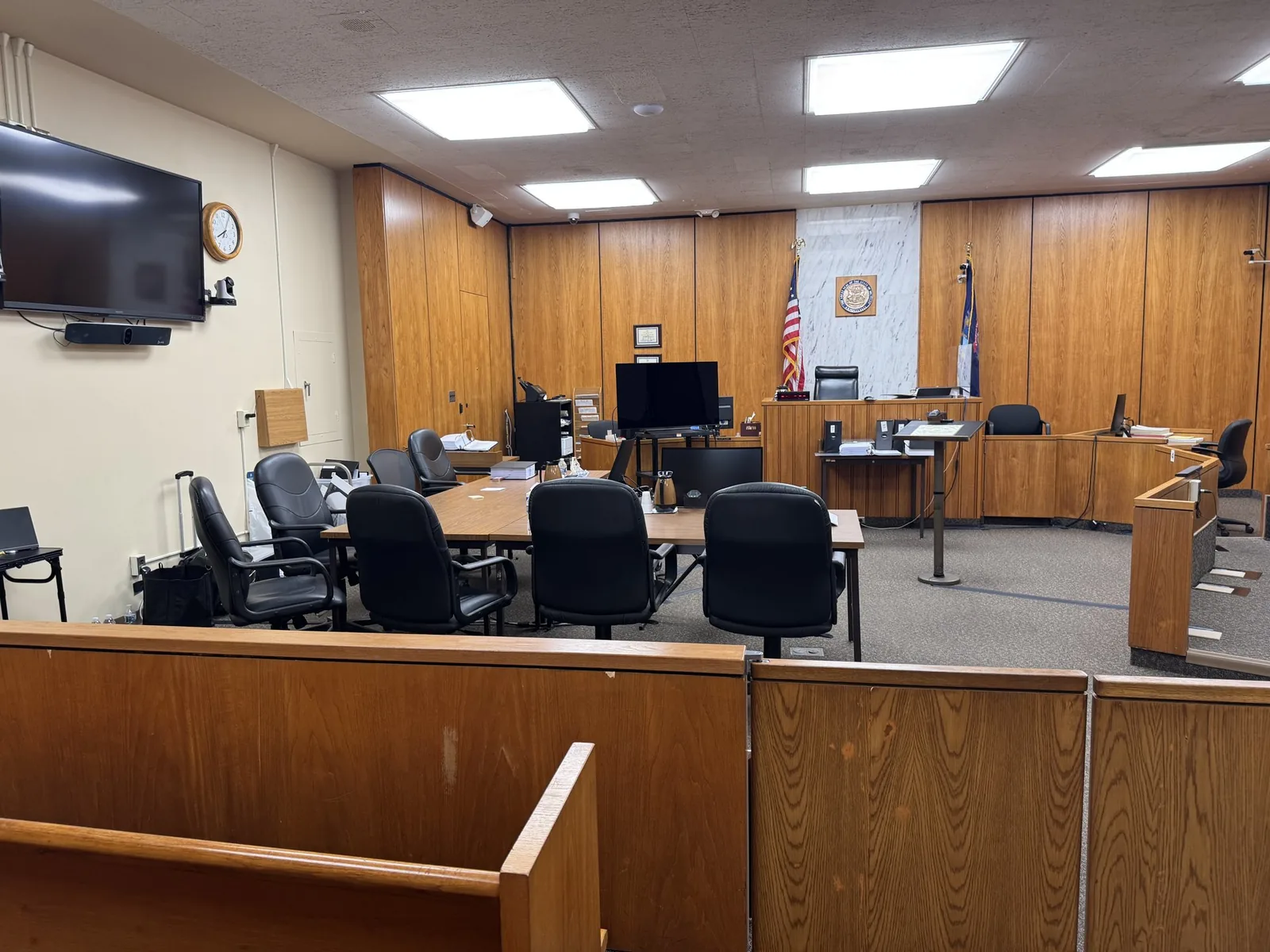
It's 8:52 on a Tuesday morning. Your expert is sitting in a hotel room in Ohio, the court reporter is logged in from Lansing, and opposing counsel just asked whether everyone can hear them. Nobody knows yet if the witness's Wi-Fi will hold for three hours. Remote testimony has become routine, but it has never become risk-free.
John Schmitzer II has spent more than 13 years in deposition rooms and courtrooms across Michigan. He brings the same habits to a jury trial: test early, carry a backup, and stay calm when something flickers. The screen may be different, but the stakes are exactly the same.
In This Article
- What Remote Deposition and Testimony Technology Support Actually Covers
- The Technology Behind a Stable Remote Session
- Why a Platform Recording Isn't the Same as a Legal Video Deposition
- Getting Remote Witnesses Ready Before They Go On Camera
- Handling Exhibits When Nobody Is in the Same Room
- Where Remote Sessions Break Down and How to Prevent It
- Bringing Remote Testimony Into the Courtroom
- Turning a Remote Session Into Trial-Ready Video
- Distance Shouldn't Lower the Standard of the Record
- Schedule a Tech Check Before Your Next Remote Witness
What Remote Deposition and Testimony Technology Support Actually Covers
Remote Depositions vs. Remote Trial Testimony
A remote deposition builds the record you'll rely on later. Remote trial testimony has to work live, in front of a judge and jury, with no chance for a retake. Each one needs a slightly different setup and level of oversight.
- Remote depositions: focus on recording quality, clear audio, and on-record procedures
- Remote trial testimony: focus on courtroom display, speaker routing, and real-time troubleshooting
Fully Remote, Hybrid, and Split-Location Sessions
Every remote session has its own layout. Knowing the layout ahead of time shapes the equipment list and the backup plan.
- Fully remote, with every participant joining from a separate location
- Hybrid, with the witness remote and counsel gathered in one conference room
- Split-location, with attorneys, the witness, and the reporter spread across several offices or states
Where the Technician Fits Next to the Court Reporter and Counsel
The court reporter owns the transcript. Counsel owns the questioning. The technician owns everything that keeps the picture and sound working, so nobody else has to think about it.
The Technology Behind a Stable Remote Session
Video Platforms and Court-Specified Systems
Some firms prefer Zoom. Some clients require Microsoft Teams. Some judges specify their own platform entirely. Schmitzer works across all of them, including:
- Zoom and Zoom for Government
- Microsoft Teams
- Webex
- Court-issued or agency-specific platforms
Cameras, Microphones, and Lighting at the Witness Location
A laptop webcam next to a bright kitchen window can turn a credible expert into a dark silhouette. Built-in microphones pick up fans, dogs, and hallway chatter. Small upgrades make a big difference on the record.
- An external camera placed at eye level
- A dedicated microphone or headset
- Soft light facing the witness, not behind them
Bandwidth, Backup Connections, and Redundancy
This is where the Mobile Office idea really earns its name. A single internet connection is a single point of failure. Schmitzer plans for the moment it drops.
- A wired connection whenever possible
- A secondary cellular hotspot ready to go
- A backup laptop already logged in and muted
Local Recording vs. Cloud Recording
Cloud recordings depend on everyone's connection at every second. If the witness's signal hiccups, the recording hiccups too. A local capture running alongside the platform protects the footage you'll need later.
Why a Platform Recording Isn't the Same as a Legal Video Deposition
Compression, Frozen Frames, and Audio Drift
Platforms squeeze video to keep calls moving. That tradeoff shows up later as problems that are hard to fix.
- Frozen or pixelated frames during key answers
- Audio that slowly drifts out of sync with lip movement
- Speaker views that jump away from the witness mid-answer
A Legal Videographer on the Record
A legal videographer handles the formal pieces that make footage usable. That includes on-record statements, time stamps, and noting every break. It also means a clean chain of custody from recording to final delivery.
Usability Under Michigan and Federal Rules
Michigan Court Rule 2.315 addresses video depositions, and Federal Rule of Civil Procedure 30(b)(4) allows remote depositions by stipulation or court order. The rules themselves are counsel's territory. Schmitzer's job is making sure the recording meets the technical side of those expectations.
Getting Remote Witnesses Ready Before They Go On Camera
The Pre-Session Tech Check
A short test call a day or two ahead catches most issues early. It takes about fifteen minutes and saves hours of frustration.
- Confirm camera, microphone, and speaker settings
- Test the internet connection at the actual testimony location
- Walk the witness through joining and rejoining the call
Setting Up the Witness's Space
The room matters as much as the equipment. A tidy, quiet space keeps attention on the testimony instead of the background.
- A neutral wall behind the witness
- A closed door and silenced phones
- A stable table, not a lap or a moving chair
Shipping a Ready-to-Go Witness Kit
For high-stakes testimony, Schmitzer can ship a pre-configured kit straight to the witness. It typically includes a camera, microphone, and hotspot, all set up in advance. The witness plugs in, and the Mobile Office travels with them.
Helping Nervous or Non-Technical Witnesses
Treating physicians, older plaintiffs, and first-time deponents often feel anxious about technology. Patient, simple instructions help them relax. Schmitzer helps only with logistics and never touches the substance of testimony.
Handling Exhibits When Nobody Is in the Same Room
Screen Sharing vs. Pre-Delivered Exhibits
Each approach has strengths, and many cases use both.
- Screen sharing: easy control and no early disclosure, but harder for witnesses to review long documents
- Pre-delivered exhibits: easier for the witness to read, but they require clear handling instructions
Sealed Exhibit Packets and Digital Exhibit Delivery
Sealed packets stay closed until counsel directs the witness to open them on camera. Digital delivery works the same way, with files released only when introduced. Either method keeps exhibits controlled.
Keeping the Record Clear on What the Witness Sees
Confusion over which page is on screen can muddy a transcript. Clear exhibit numbers, page callouts, and quick confirmations keep everyone aligned. The technician watches for mismatches and flags them before they reach the record.
Where Remote Sessions Break Down and How to Prevent It
Dropped Connections in the Middle of Testimony
Connections will drop at some point. What matters is how quickly and cleanly the session recovers.
- Go off the record with a clear time stamp
- Switch the witness to the backup hotspot
- Resume on the record and note the interruption
Echo, Crosstalk, and Unclear Audio
Two open microphones in one room create echo almost instantly. Headsets, careful mute habits, and one active mic per location solve most of it.
Time Zones and Last-Minute Schedule Changes
A witness in Arizona and counsel in Detroit can easily miss each other by an hour. Calendar invites should always list the time zone. When schedules shift late, Schmitzer adjusts quickly and confirms with every participant.
Interpreters on a Remote Feed
Interpreted testimony needs extra planning. Some platforms offer separate language channels, while others require consecutive interpretation. Pacing and audio clarity matter even more here.
Concerns About Who Else Is in the Witness's Room
Opposing counsel sometimes worries about off-camera coaching. A wide-angle view or a secondary room camera addresses that concern before it becomes an objection.
Bringing Remote Testimony Into the Courtroom
Routing the Remote Witness to Courtroom Displays and Speakers
The remote feed needs to reach the jury monitors and the courtroom sound system. That means testing connections to the room's AV setup, not just a laptop screen.
Sightlines for the Judge, Jury, and Counsel
Everyone who needs to see the witness should see the witness clearly. Screen placement is planned around the jury box, the bench, and both counsel tables.
Working With Clerks and Courtroom IT
Every courthouse runs its own systems and expectations. Schmitzer coordinates with clerks and court IT across Southeast Michigan circuit courts and the Eastern District of Michigan. Those conversations happen well before trial day.
The Rhythm of a Hybrid Trial Day
A hybrid trial day follows a steady routine.
- Early morning connection tests before the jury arrives
- Smooth handoffs between live and remote witnesses
- Quiet troubleshooting that never interrupts proceedings
Turning a Remote Session Into Trial-Ready Video
Syncing the Remote Deposition Video to the Certified Transcript
Transcript syncing lines up every word with the matching moment on video. Attorneys can search testimony by keyword and pull clips in seconds.
Designations, Counter-Designations, and Impeachment Clips
Synced footage makes trial prep much faster. Schmitzer prepares clips for designations, counter-designations, and impeachment so they're ready to play the moment counsel calls for them.
Picture-in-Picture for Exhibit-Heavy Testimony
When testimony centers on documents, jurors benefit from seeing both at once. Picture-in-picture shows the witness alongside the exhibit they're discussing.
Distance Shouldn't Lower the Standard of the Record
Testimony captured on a laptop in another state may someday play on a courtroom monitor in Macomb or Oakland County. Jurors won't grade it on a curve because the witness was remote. They'll judge the witness by what they see and hear, which means the footage has to hold up.
That's why continuity matters so much. Working with one partner from the first tech check to the final playback removes guesswork at every stage. Schmitzer Video & Trial Services brings steady preparation and backup plans to every remote session, so your focus stays on the case.
Schedule a Tech Check Before Your Next Remote Witness
Have a remote deposition coming up or a hybrid trial on the calendar? Reach out, even if you only have questions about a witness's setup. A quick conversation now can prevent a stressful morning later.
- Email: jpschmitzer@gmail.com
- Phone: (248) 804-7488
- Address: P.O. Box 805983, Saint Clair Shores, MI 48080
Key Takeaway
Professional remote testimony support prevents technical failures—like dropped connections, poor audio, or exhibit confusion—by using pre-session checks, dedicated hardware, and redundant systems to ensure witnesses appear credible and testimony seamlessly becomes trial-ready.
Planning a trial or deposition in Michigan? Let us make the technology the last thing you have to worry about.
Request a Consultation