Picture a juror who teaches middle school math. She is looking at a nurse's note from 2:14 a.m., a string of vital signs, and a fetal monitoring strip that looks like a seismograph. Nobody has ever asked her to judge whether a physician acted reasonably. Now she and eleven other people are being asked to do exactly that.
Medical malpractice cases carry real weight for everyone involved. A patient's future may hinge on the verdict, while a physician's career sits on the other side of the room. The attorneys in the middle need a way to make the medicine visible. That is where thoughtful trial presentation earns its place.
In This Article
- Turning Medical Records Into Evidence Jurors Can Follow
- Presenting Diagnostic Imaging and Clinical Data
- Building Timelines That Show What Happened and When
- Supporting Medical Expert Testimony
- Deposition Video of Physicians, Nurses, and Treating Providers
- Day-in-the-Life Videos and Damages Presentation
- A Walkthrough: One Day Inside a Medical Malpractice Trial
- Courtroom Logistics Across Southeast Michigan
- The Mobile Office Approach to High-Stakes Medical Trials
- Clarity Is Part of the Case You're Making
- Bring Schmitzer Into Your Medical Malpractice Trial Early
Turning Medical Records Into Evidence Jurors Can Follow
Pulling the Pages That Actually Matter
Most of a patient's chart will never be shown to the jury. The work begins by partnering with the trial team to isolate the entries that tell the story. That might be one medication order, one missed call, or one shift change.
Callouts, Highlights, and Side-by-Side Comparisons
Once key pages are identified, the goal is to guide the jury's eyes. Common techniques include:
- Zooming into a single line of a physician's order
- Highlighting vital signs that crossed a critical threshold
- Placing two nursing notes side by side to show a change
- Tracking medication times across a full shift
EMR Timestamps and Audit Trails
In some cases, when a note was written matters as much as what it says. Audit trails can reveal late entries, edits, or gaps in documentation. This data is dense and needs clean formatting.
Protecting Redactions and Protective Orders
Medical cases involve sensitive health information. Every exhibit on screen must match the approved redactions. Protective orders also shape what can be displayed and to whom.
Presenting Diagnostic Imaging and Clinical Data
Radiology on a Courtroom Screen
A subtle bleed on a CT scan can disappear on a dim or low-resolution monitor. Radiology images need careful handling to preserve the detail experts will reference. Sometimes that means working from native image files instead of screenshots.
Monitoring Strips, Lab Trends, and Vital Signs
Raw numbers rarely land with jurors. A column of blood pressure readings means little until it becomes a line dropping over six hours. Monitoring strips can be isolated and annotated at the moments experts will discuss. Visual trends help jurors see patterns the care team either caught or missed.
Display Quality Checks Before Trial
Imaging displays should be tested in the actual courtroom whenever possible. Key checks include:
- Monitor resolution and brightness for grayscale imaging
- File format compatibility with presentation software
- Sightlines from every seat in the jury box
- Glare from courtroom windows or overhead lighting
Building Timelines That Show What Happened and When
Why Sequence Often Carries Causation
The difference between a good outcome and a catastrophic one can come down to minutes. When did symptoms appear, and when was the physician notified? When did treatment begin? A clear timeline answers those questions at a glance.
Layered Timelines for Hours and Years
Some cases need a timeline covering a single emergency room visit. Others span years of treatment across multiple providers. Layered timelines let the presentation zoom from the big picture to a critical hour and back.
Static Boards vs. Interactive Timelines
Printed trial boards work well as a constant reference in the courtroom. Interactive digital timelines let attorneys build the story piece by piece. Many teams use both, with a board on an easel and a digital version on screen. The right choice depends on the judge, the courtroom, and the case strategy.
Supporting Medical Expert Testimony
Helping Experts Teach Instead of Lecture
The best medical experts sound like good teachers. Visuals that appear exactly when the expert needs them keep testimony moving. Delays or fumbling break the expert's rhythm and the jury's attention.
Anatomical Illustrations and Medical Models
Demonstratives help experts explain what words alone cannot. Useful formats include:
- Anatomical illustrations showing the affected organ or system
- Step-by-step procedure graphics
- Animations showing how an injury occurred
- Physical models jurors can see from the box
Remote and Hybrid Expert Testimony
Busy physicians and out-of-state specialists can't always travel for trial. When the court allows remote testimony, the setup needs to look and sound professional. That means stable connections, clear audio, and exhibits the remote expert can see in real time. It also means a tested backup if the connection drops mid-answer.
Rehearsing the Flow Before the Expert Takes the Stand
A short run-through before testimony prevents surprises. The team confirms exhibit order, callout timing, and how the expert will signal for the next image. Backup plans are set for anything that might be excluded.
Deposition Video of Physicians, Nurses, and Treating Providers
Why Treating Providers Often Appear by Video
Physicians and nurses have patients waiting and shifts to cover. Pulling them from clinical duties for a full trial day is often impractical. Recorded testimony lets their voices reach the jury without disrupting patient care.
Synced Transcripts, Designations, and Counter-Designations
Deposition clips work best when the transcript is synchronized with the video. Jurors can read along as the witness speaks. Attorneys designate the portions they want played, and opposing counsel adds counter-designations. Those clips are built, reviewed, and cued well before the jury hears them.
Impeachment Clips Ready on Demand
Testimony sometimes shifts on the witness stand. When that happens, the prior sworn statement needs to appear within seconds. Synced video makes it possible to pull an exact line and play it cleanly.
Day-in-the-Life Videos and Damages Presentation
Showing Life After the Injury
These Day-in-the-life videos document daily routines, therapy sessions, and caregiving needs. They show the effort behind tasks most people never think about. A few minutes of footage often communicates what hours of testimony cannot.
Handling Sensitive Footage With Dignity
Filming a patient at home is deeply personal. The process should respect privacy, comfort, and family boundaries. Playback in court deserves the same care, with volume, timing, and framing handled thoughtfully.
Preparing Video for Admissibility Review
Day-in-the-life videos often face objections. Working with counsel early allows time for review, edits, and alternate versions. A ready backup cut keeps the presentation on track if portions are excluded.
A Walkthrough: One Day Inside a Medical Malpractice Trial
Before the Courtroom Opens
The day starts early, often an hour before the judge takes the bench. Equipment goes up, cables are checked, and every exhibit for the day is tested on the courtroom display. A backup laptop mirrors the primary system.
Morning: The Defense Expert Takes the Stand
The defense calls its radiology expert. As cross-examination begins, a CT image appears with the key area circled. Moments later, a synced deposition clip plays the expert's earlier, slightly different answer. The jury watches both without a pause.
Afternoon: An Objection Changes the Plan
After lunch, the judge sustains an objection to a planned demonstrative. Instead of scrambling, the team switches to an alternate version prepared the night before. The jury never senses the pivot.
After Court Adjourns
Once the courtroom empties, the focus shifts to tomorrow. The trial team reviews which exhibits were admitted and which clips still need edits. New designations get synced overnight. By morning, everything is loaded and tested again.
Courtroom Logistics Across Southeast Michigan
Circuit Courts in Wayne, Oakland, and Macomb Counties
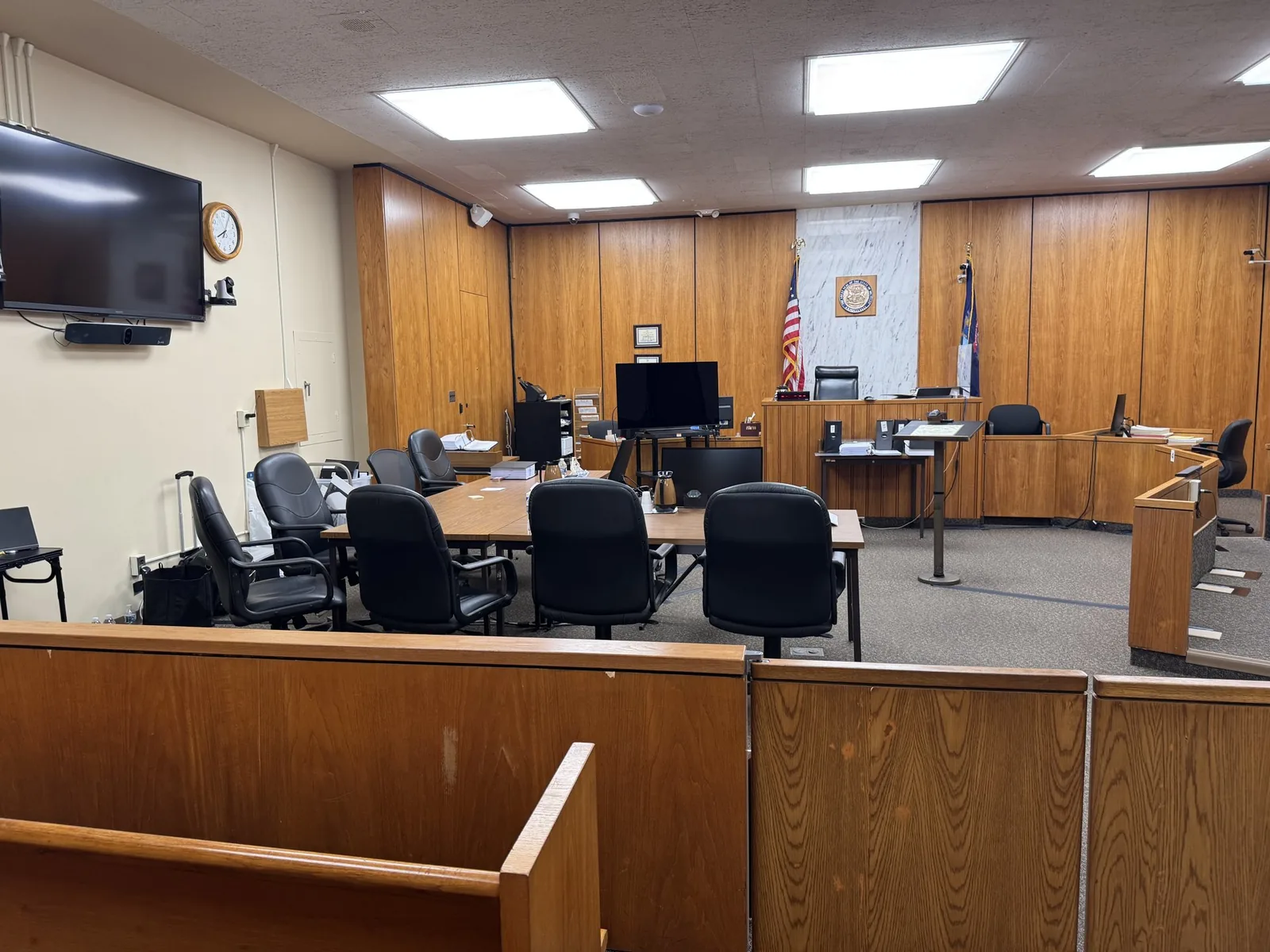
Courtroom technology varies from county to county and even from room to room. Some courtrooms have modern integrated displays, while others need portable monitors and projectors. Familiarity with local courthouses across Southeast Michigan helps avoid surprises on the first morning of trial.
Federal Court in the Eastern District of Michigan
Federal courthouses bring their own procedures. Security screening, equipment approvals, and built-in evidence systems all require advance planning. Coordinating with court staff ahead of time keeps setup smooth.
Coordinating With Court Staff and Opposing Counsel
Shared courtroom technology works best when everyone agrees on the plan. Key coordination points include:
- Who controls shared screens and when
- Which equipment each side will bring
- Setup and testing times before trial begins
- How exhibits will switch between parties
The Mobile Office Approach to High-Stakes Medical Trials
Redundancy Built Into Every Setup
Backup systems are standard, not optional. A typical setup includes:
- Duplicate laptops loaded with every exhibit
- Spare cables, adapters, and power supplies
- Backup copies of all video and imaging files
- Alternate playback options if one system fails
Continuity From Deposition to Verdict
When the same professional records the depositions and runs trial presentation, nothing gets lost in handoffs. John Schmitzer II brings more than 13 years of experience across both roles. That continuity means he already knows the witnesses, the clips, and the case when trial begins.
Clarity Is Part of the Case You're Making
A jury cannot rule fairly on care it doesn't understand. When records, imaging, and expert opinions are shown clearly, jurors can focus on the questions that truly matter. That serves the patient, the providers, and the process itself.
Strong presentation doesn't replace strong advocacy. It gives that advocacy room to work. The attorneys still make the arguments, and the evidence finally stops getting in the way.
Bring Schmitzer Into Your Medical Malpractice Trial Early
The earlier John joins your trial team, the smoother your courtroom days will feel. He can help shape exhibits, sync depositions, and test every display long before opening statements. If you have a medical malpractice case heading toward trial, reach out and start the conversation.
- Email: jpschmitzer@gmail.com
- Phone: (248) 804-7488
- Address: P.O. Box 805983, Saint Clair Shores, MI 48080
Key Takeaway
Medical malpractice trials involve complex, high-stakes evidence—ranging from dense EMR timestamps and diagnostic imaging to expert demonstratives and synchronized video depositions—that jurors cannot fairly evaluate if presented as raw data. Effective trial presentation support bridges this gap by isolating critical chart entries, enhancing radiology on calibrated displays, building visual timelines, and ensuring rigorous equipment redundancy, which ultimately allows jurors to grasp complicated medicine and frees attorneys to focus entirely on courtroom advocacy.
Planning a trial or deposition in Michigan? Let us make the technology the last thing you have to worry about.
Request a Consultation